

What should good screen positioning actually do for me?
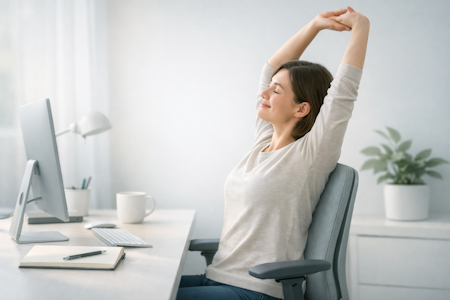
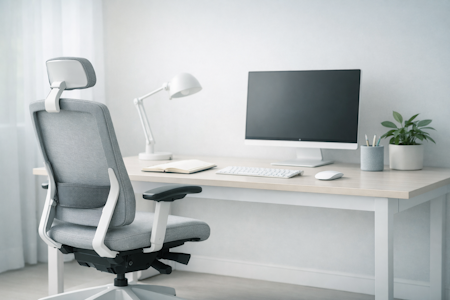
A well‑placed screen supports your neck and shoulders throughout the day — helping you stay comfortable, relaxed, and able to focus. When you understand what comfortable alignment feels like, it becomes much easier to shape a setup that truly supports you.
Workora’s Take
Most people try to fix neck and shoulder tension by adjusting equipment, but the real clarity comes from understanding how your body naturally sits, looks, and moves throughout the day. When you begin with your body — not the screen or the tools — it becomes much easier to shape a setup that genuinely supports you.
How Support Works Throughout the Day
Before you adjust your screen or change your setup, it helps to understand how your neck and shoulders naturally respond to your work. Your posture shifts as your focus changes — leaning in during intense tasks, relaxing during lighter moments, and subtly adapting to whatever’s in front of you. When you notice these patterns, it becomes much easier to recognise what comfortable alignment feels like and what your setup needs to support you.
Click each box for more information
Your Posture Changes Naturally
Small Movements Reduce Strain
Understanding what supports your neck and shoulders
Once you understand how your neck and shoulders naturally respond to your work, it becomes easier to recognise what your setup needs to keep you comfortable. These principles help you shape a workspace that supports you throughout the day — without overthinking adjustments or equipment.
Click each box for more information
Your Posture Changes Naturally
Why It Matters
Your Screen Should Meet Your Eyes
Why It Matters
Give Your Shoulders Room to Settle
Why It Matters
Find a Comfortable Viewing Distance
Why It Matters
Small Movements Reduce Tension
Why It Matters
Keep Your Screen Centred
Why It Matters
Tilt Your Screen to Support Your Neck
Why It Matters
Comfort Comes From Consistency
Why It Matters
What to look for in a supportive setup
- A screen that sits at eye level — helps your neck stay neutral and reduces forward‑leaning.
- A centred screen — keeps your head and shoulders aligned instead of twisting to one side.
- A comfortable viewing distance — usually about an arm’s length, so your eyes and neck stay relaxed.
- A slight upward screen tilt — supports a natural head position without dropping your chin.
- Space for your shoulders to relax — avoids lifting or hunching when you type or look at the screen.
- Room to make small movements — supports natural posture shifts and reduces tension over time.
Once you know what to look for, the next step is recognising how a supportive setup should feel when you’re working.
How to know it’s right for you
- Your shoulders feel relaxed, not lifted or bracing
- Your neck feels neutral and balanced
- You can move naturally without losing alignment
- You feel comfortable after a few minutes, not just at first glance
Before you explore the ways to adjust your screen, here are the questions people often ask at this stage.
Your screen should sit so the top of it is roughly at eye level. This helps your neck stay neutral instead of tilting down or forward.
About an arm’s length works for most people. It keeps your eyes relaxed and stops your head from drifting forward.
Yes — centring your screen helps your head, neck, and shoulders stay aligned. Even small angles can create subtle twisting over time.
A slight upward tilt supports a natural head position. It reduces the urge to drop your chin or round your shoulders.
If you use one screen more than the other, centre your main screen and angle the second toward you. If you use both equally, place them side by side and centre the join.
Bring your screen closer or slightly higher so your body doesn’t have to reach for it. When the screen meets you, your posture settles naturally.
Start with height. Lifting your screen to eye level has the biggest impact on neck and shoulder comfort.


Sources
- Health and Safety Executive (HSE) — Display Screen Equipment (DSE) regulations and best‑practice recommendations for seated work. (View resource)
- National Institute for Occupational Safety and Health (NIOSH) — research on musculoskeletal strain, seated posture, and workplace ergonomics. (View resource)
- Chartered Institute of Ergonomics & Human Factors — using standards to create ergonomic workstations to promote comfort, health & productivity. (View resource)
- Workplace health organisations — insights into how chair design influences comfort, fatigue, and long‑term wellbeing. (View resource)
Bring This Guidance Into Your Workspace
These chairs reflect the support and posture principles explored in this guide.
-
SitOne Ergonomic Office Chair
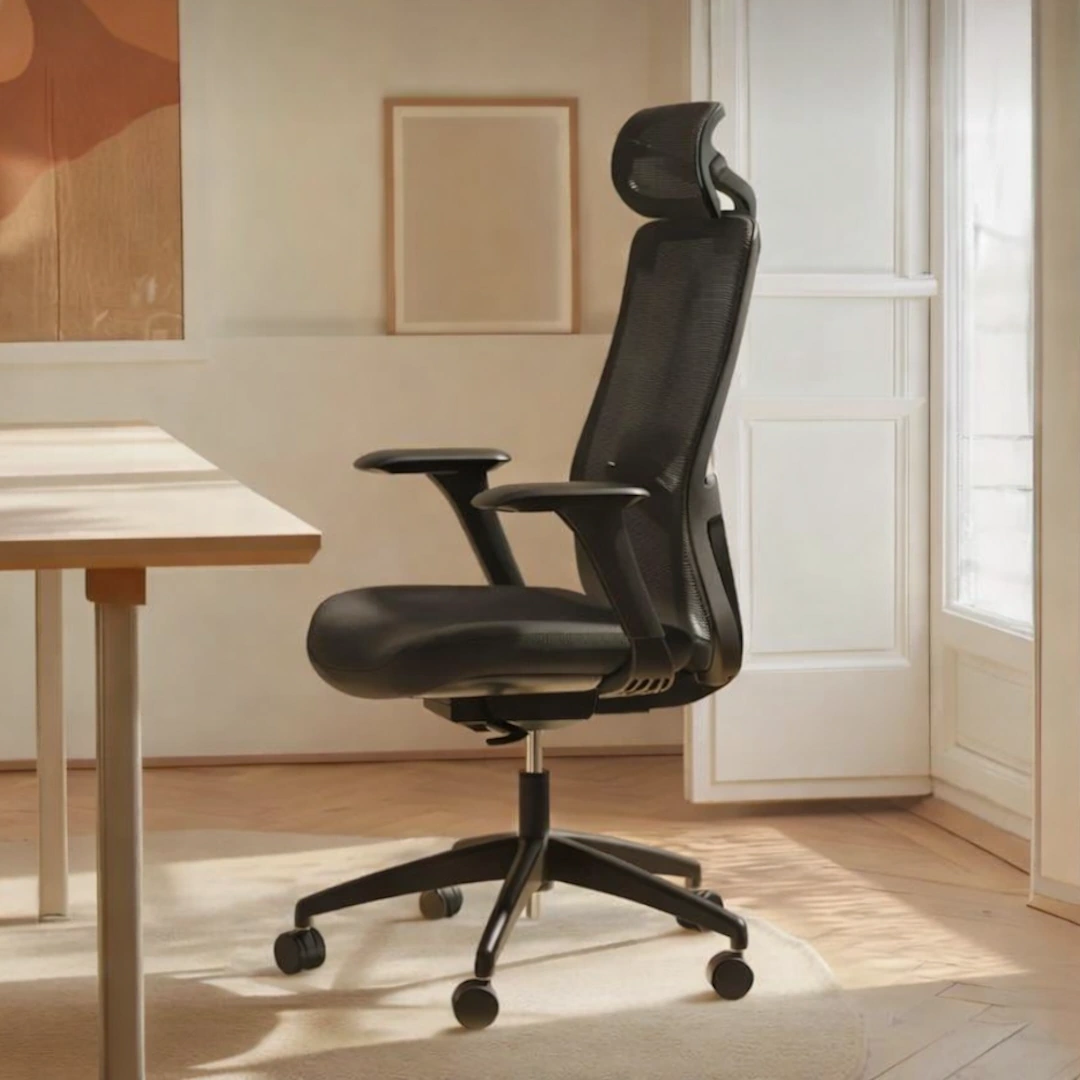
View full details: SitOne Ergonomic Office ChairThe SitOne ergonomic chair supports your body through a thoughtful set of adjustable features — from seat‑depth refinement to 4D armrests that move with your natural posture. Its lumbar support and premium build are designed to reduce strain and maintain alignment for all day comfort.
-
SitPro Ergonomic Office Chair
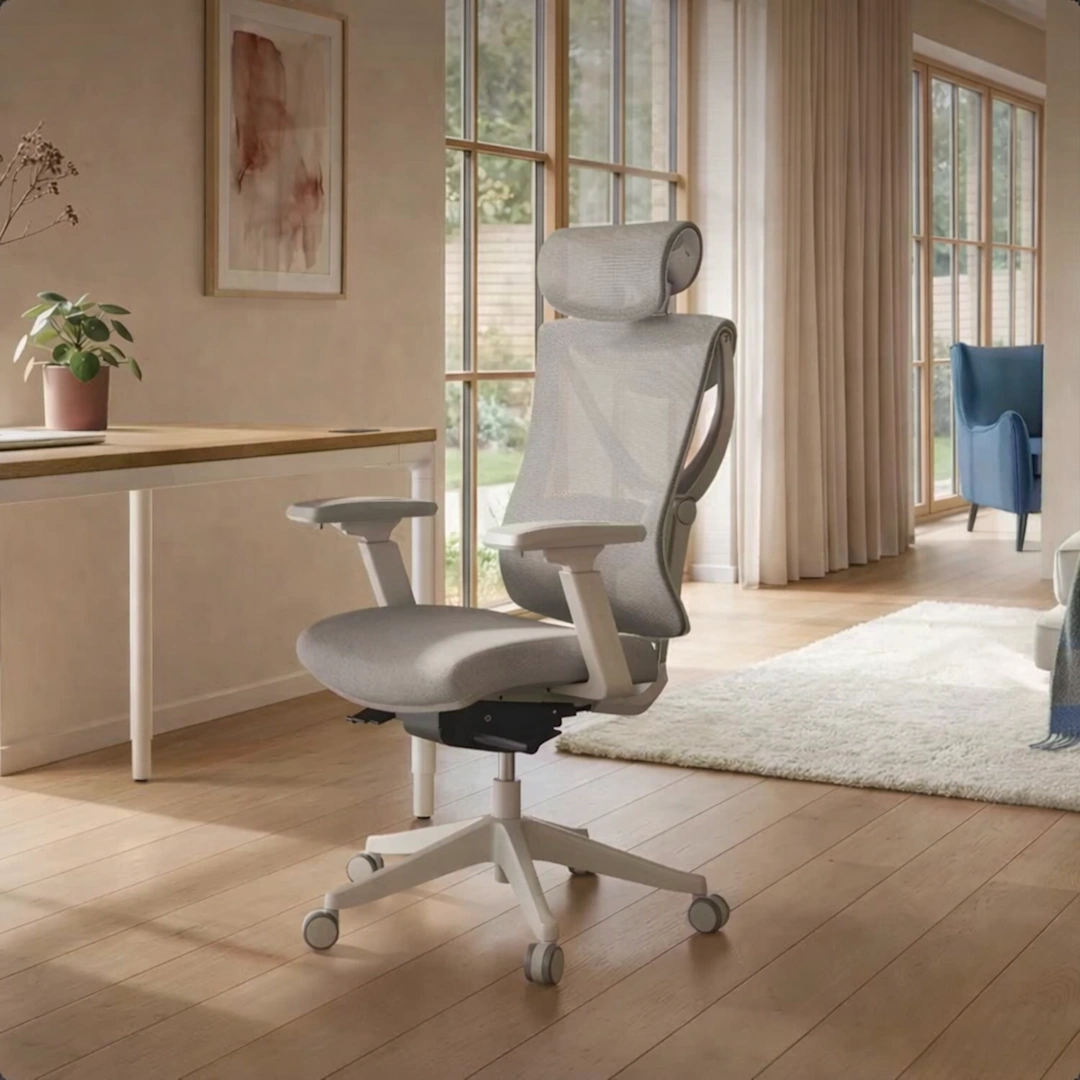
View full details: SitPro Ergonomic Office ChairThe SitPro ergonomic chair adapts quietly to your body through nine points of adjustment — from the height‑balanced backrest to the 3D armrests that follow your natural posture. Each element is designed to support alignment and ease through long hours of seated work.