



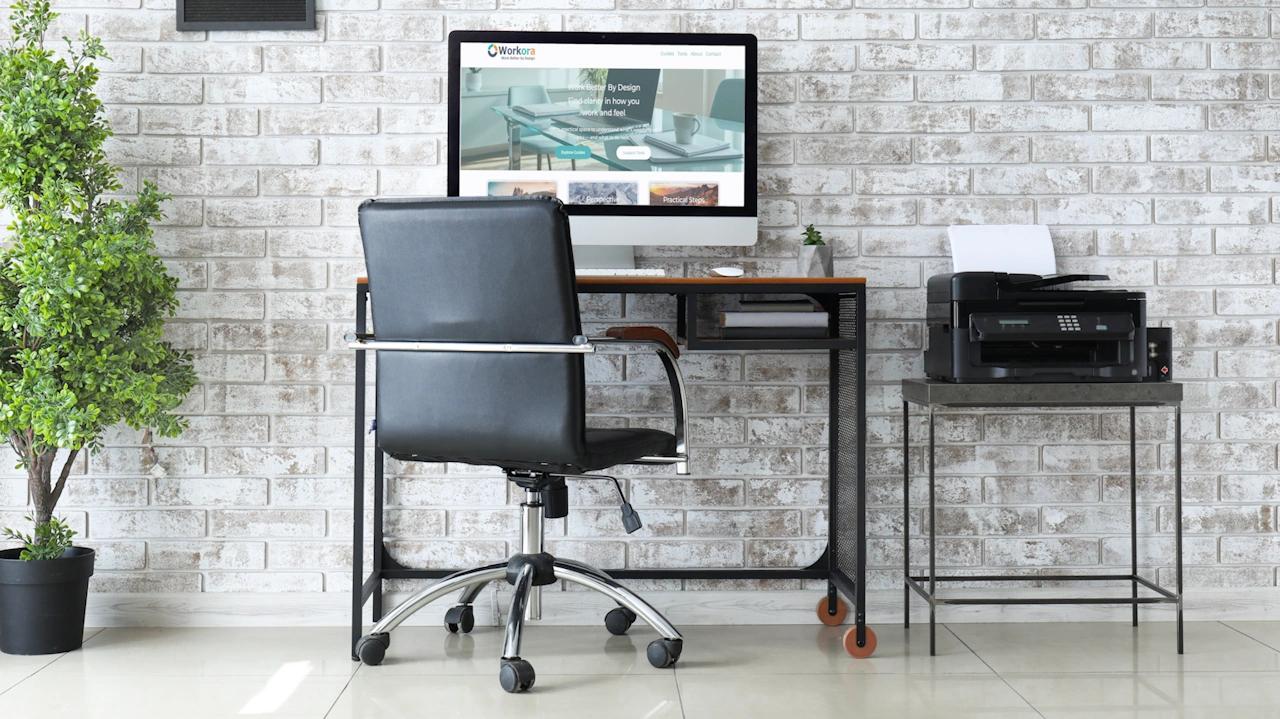
This guide walks you through the essentials of creating a home office that works for you — practical, comfortable, and aligned with the way you work.
A home office doesn’t need to be big, expensive, or perfectly styled. What matters most is that it supports your comfort, focus, and wellbeing. Whether you have a dedicated room or a corner of a shared space, small changes can make a big difference to how you feel throughout the day
1. Choose the Right Space
Your workspace doesn’t need to be large, but it should feel intentional.
- Pick a spot with as few distractions as possible
- Use natural boundaries (a wall, corner, or window) to define the area
- If space is tight, consider a fold‑down desk or compact workstation
- Think about noise levels and privacy if you take calls or video meetings
Even a small, well‑chosen space can feel like a dedicated work zone.
2. Set Up a Comfortable Desk Area
Your desk is the anchor of your home office.
- Choose a surface with enough room for your essentials
- Position your desk so you’re not facing direct glare from windows
- Keep daily‑use items within easy reach
- Use simple cable management to reduce visual clutter
A clear, organised desk helps create a calm mental space.
3. Support Your Posture with the Right Chair
Comfort is non‑negotiable when you’re working from home.
- Choose a chair with good back support
- Adjust the height so your feet rest flat on the floor
- Keep your knees at a 90‑degree angle
- Add a cushion or lumbar support if needed
Small adjustments can prevent strain and improve comfort throughout the day.
4. Light Your Workspace Well
Good lighting reduces eye strain and helps you stay focused.
- Use natural light where possible, but avoid direct glare
- Add a task lamp for focused work
- Choose warm‑white bulbs for a calm, comfortable atmosphere
- Position lights to the side of your screen to reduce reflections
Lighting is one of the simplest ways to improve your workspace.
5. Get Your Tech Essentials Right
A few well‑chosen tools can make home working smoother.
- Raise your monitor so the top is at eye level
- Use an external keyboard and mouse for better posture
- Consider a headset for calls
- Check your Wi‑Fi strength and use a booster if needed
Good tech reduces friction and keeps you focused on your work.
6. Keep Your Space Organised
A tidy workspace supports a tidy mind.
- Use shelves or drawers to store items you don’t need every day
- Keep only essentials on your desk
- Use small trays or organisers for stationery
- Create a simple end‑of‑day reset routine
Organisation doesn’t need to be perfect — just supportive.
7. Add Comfort and Personal Touches
Your home office should feel like a space you want to spend time in.
- Add a plant for a sense of calm
- Use a soft desk mat or footrest
- Keep a water bottle nearby
- Add one or two personal items that make you smile
Comfort boosts focus, mood, and wellbeing.
8. A Simple Home Office Checklist
Use this quick checklist to make sure your space works for you:
- A defined workspace
- A comfortable, supportive chair
- A desk with enough room
- Good lighting
- Monitor at eye level
- External keyboard and mouse
- Organised storage
- A few personal touches
- A daily reset routine
Summary
Creating a home office that works for you is about choosing a space that supports comfort, focus, and wellbeing. This guide helps you set up a workspace that fits your home, with practical advice on layout, posture, lighting, tech essentials, and simple organisation. Whether you have a dedicated room or a small corner, you’ll learn how to build a comfortable, productive environment that feels good to work in every day.