A simple guide to lifting your screen to a more comfortable height using monitor arms or desk risers — helping you reduce neck and shoulder tension throughout the day.
Why this matters
Neck and shoulder tension is one of the most common signs that your screen isn’t in the right place. When your monitor sits too low, too far away, or off to one side, your body quietly compensates — leaning forward, tilting your head, or lifting your shoulders without realising it. Over time, this creates strain, fatigue, and a sense of heaviness in your upper body.
Small adjustments to your screen height and position can make a big difference to how supported you feel throughout the day.
Two simple ways to lift and position your screen
1. Monitor arms
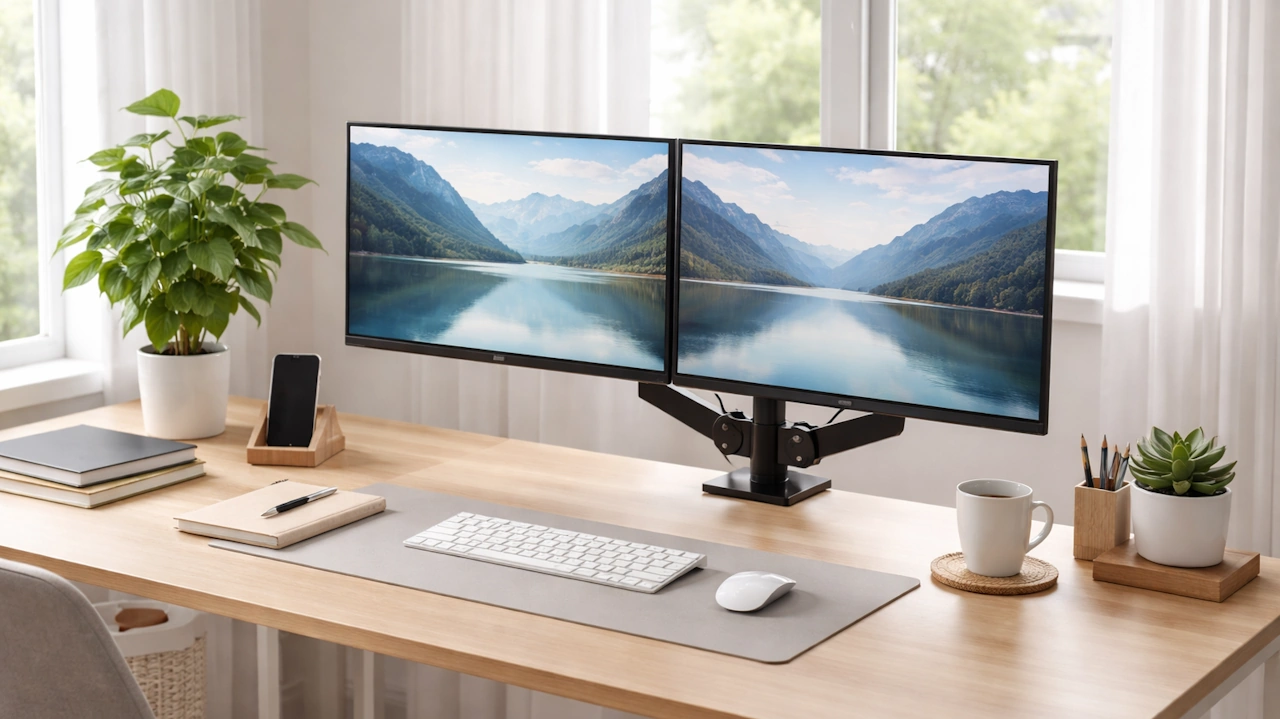
Monitor arms give you flexible, adjustable support for one or more screens. They’re ideal if you want to fine‑tune your setup or free up desk space.
Benefits:
- Easily adjust height, distance, and angle
- Keep your screen centred in front of you
- Free up space underneath for notebooks or accessories
- Great for dual‑screen setups
Best for:
People who want a clean, adaptable workspace with more control over positioning.
2. Desk risers
Desk risers (or monitor stands) are a simple, affordable way to lift your screen to a more comfortable height. They’re quick to set up and work well for both monitors and laptops.
Benefits:
- No installation
- Lifts your screen to eye level
- Helps reduce hunching and forward‑leaning
- Adds a small amount of storage space underneath
Best for:
People who want a quick, low‑effort improvement to screen height
How to position your screen for comfort
Use these gentle cues to support your neck and shoulders:
- The top of your screen should sit roughly at eye level
- Your screen should be an arm’s length away
- Keep your screen directly in front of you, not off to the side
- Tilt the screen slightly upward so your neck stays neutral
- Keep your shoulders relaxed and your elbows close to your body
These small adjustments help your upper body stay supported without effort
A gentle reminder
You don’t need a full office overhaul to feel better at your desk. Raising your screen — even by a few centimetres — can ease tension, support your posture, and help your neck and shoulders relax throughout the day.
Small changes add up.