
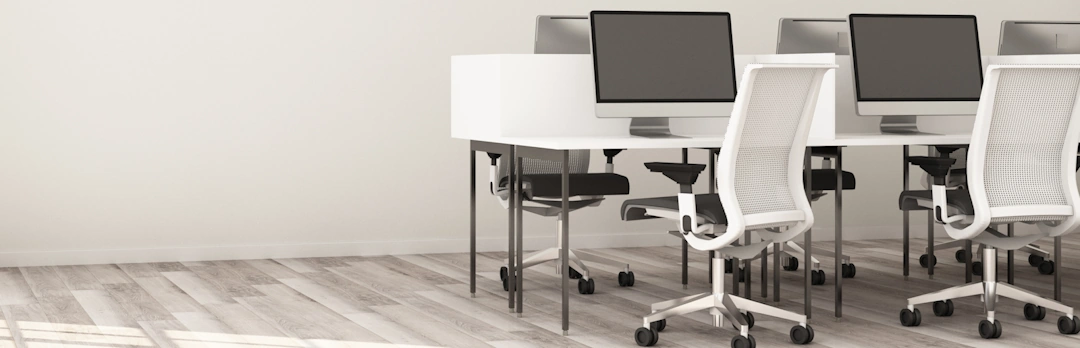
Choosing a Supportive Office Chair
A calm, clear guide to help you work better by design.



What should a good chair actually do for me?
A supportive chair works with you throughout the day — keeping you comfortable, aligned, and able to focus. Understanding what real support feels like makes it much easier to recognise which chairs will actually help you, and which ones won’t
Workora’s Take
Most people start by comparing chair features, but the real clarity comes from understanding how your body sits, moves, and changes throughout the day. When you begin with your body — not the chair — every decision becomes simpler and more confident
How Support Works Throughout the Day
Before you look at features or adjustments, it helps to understand how your body naturally sits, moves, and changes throughout the day. These insights make it easier to recognise what real support feels like — and what to look for in any chair.
Click each box for more information
Your natural posture isn’t fixed
Seek comfort through small adjustments
Understanding the key features of your chair
Once you understand how your body naturally sits and moves, it becomes easier to recognise which chair features will genuinely support you. These principles help you evaluate any chair with clarity and confidence. These features aren’t about complexity — they’re about helping the chair adapt to you, not the other way around.
Click each box for more information
Lumbar support
Why it matters
Seat height
Why it matters
Seat depth
Why it matters
Adjustable armrests
Why it matters
Backrest recline
Why it matters
Breathable materials
Why it matters
Stable base and movement
Why it matters
What to look for in a supportive chair
- Seat height that lets your feet rest flat — supports your legs and reduces pressure behind the thighs.
- Seat depth that lets you sit back comfortably — supports your thighs without pushing you forward.
- Armrests that meet your arms, not your shoulders — help your neck and shoulders stay relaxed.
- A backrest that moves with you — encourages natural posture changes throughout the day.
- Breathable materials — keep you cool and comfortable during longer sessions.
- A stable base with smooth movement — supports natural shifts and prevents awkward twisting.
Once you know what to look for, the next step is recognising how a supportive chair should feel when you sit in it.
How to know it’s right for you
- Your shoulders feel relaxed, not lifted or tense.
- Your lower back feels supported, not pushed or collapsed.
- You can move naturally without losing balance or support.
- You feel comfortable after a few minutes — not just at first sit
Before you explore the chairs that match these principles, here are answers to the questions people often ask at this stage.
Your feet should rest flat on the floor, and your knees should sit at a comfortable angle close to 90 degrees. If your thighs slope downward or your feet dangle, the chair is too high. If your knees rise above your hips, it’s too low.
Most people benefit from gentle, consistent lower‑back support. It helps your spine stay aligned as you sit and move, reducing fatigue over long periods. You don’t need anything aggressive — just enough to support your natural curve.
You should be able to sit back into the backrest while leaving a small gap (about 2–3 fingers) between the front edge of the seat and the back of your knees. Too deep and you’ll perch forward; too shallow and your thighs won’t feel supported.
Yes — a supportive chair should move with you. A slight recline and gentle movement throughout the day help reduce strain and encourage natural posture changes. Chairs that lock you into one position tend to cause discomfort over time.
Neither is universally better. Mesh is breathable and supportive, especially for longer sessions. Padded seats can feel softer but vary more in quality. What matters most is consistent support, not the material alone.
A few minutes is enough to sense whether your shoulders relax, your lower back feels supported, and you can move naturally without losing balance. Comfort at first sit matters — but comfort after a few minutes matters more.
Adjustability. A chair that adapts to you — rather than forcing you to adapt to it — will always feel more supportive, especially over long days.
Sources
- Health and Safety Executive (HSE) — Display Screen Equipment (DSE) regulations and best‑practice recommendations for seated work. (View resource)
- National Institute for Occupational Safety and Health (NIOSH) — research on musculoskeletal strain, seated posture, and workplace ergonomics. (View resource)
- Chartered Institute of Ergonomics & Human Factors — using standards to create ergonomic workstations to promote comfort, health & productivity. (View resource)
- Workplace health organisations — insights into how chair design influences comfort, fatigue, and long‑term wellbeing. (View resource)
Bring This Guidance Into Your Workspace
These chairs reflect the support and posture principles explored in this guide.
-
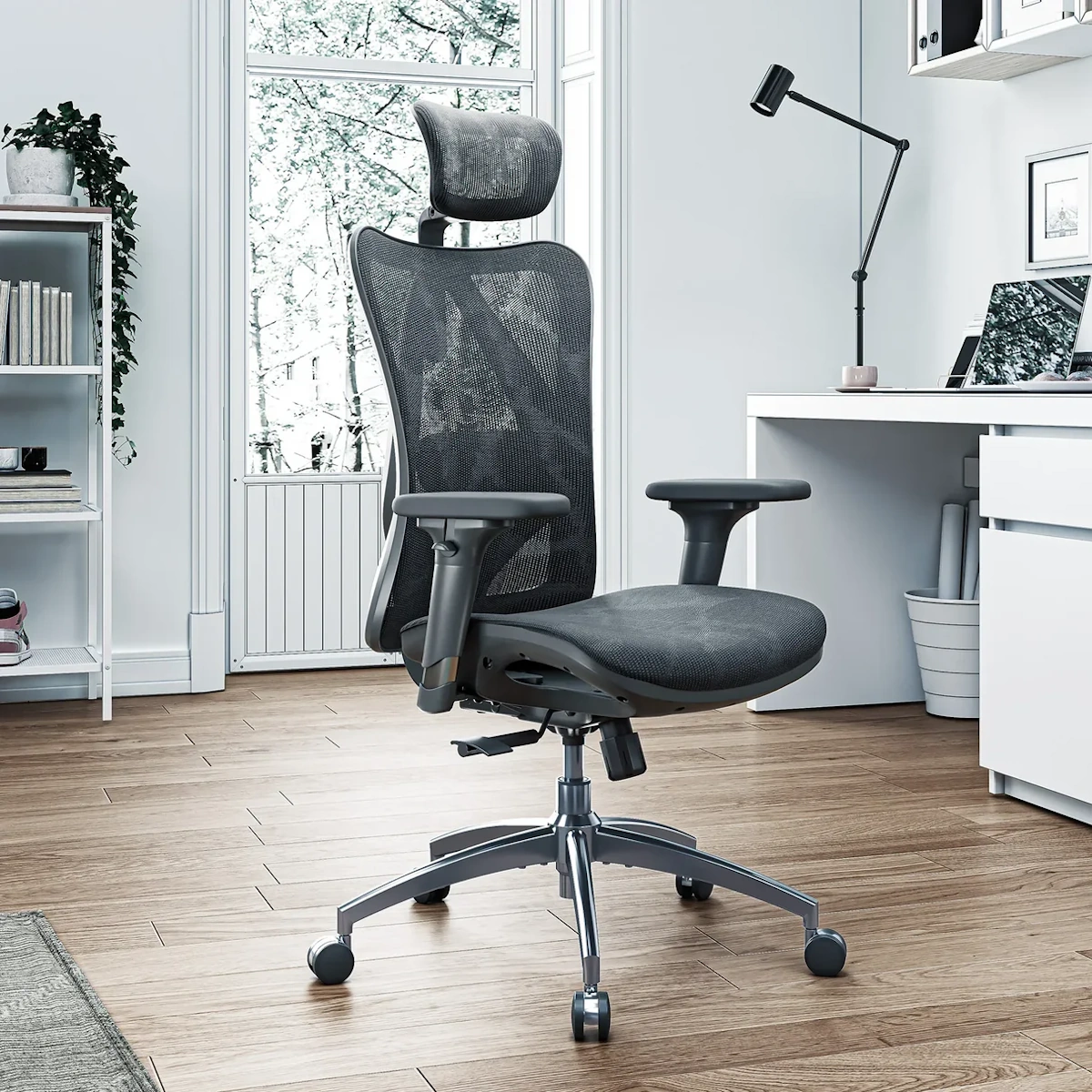
SIHOO M57 Ergonomic Office Chair
View full details: SIHOO M57 Ergonomic Office ChairA breathable ergonomic office chair with adjustable lumbar support, 3D armrests, and a smooth 126° recline — ideal for long work sessions.
-
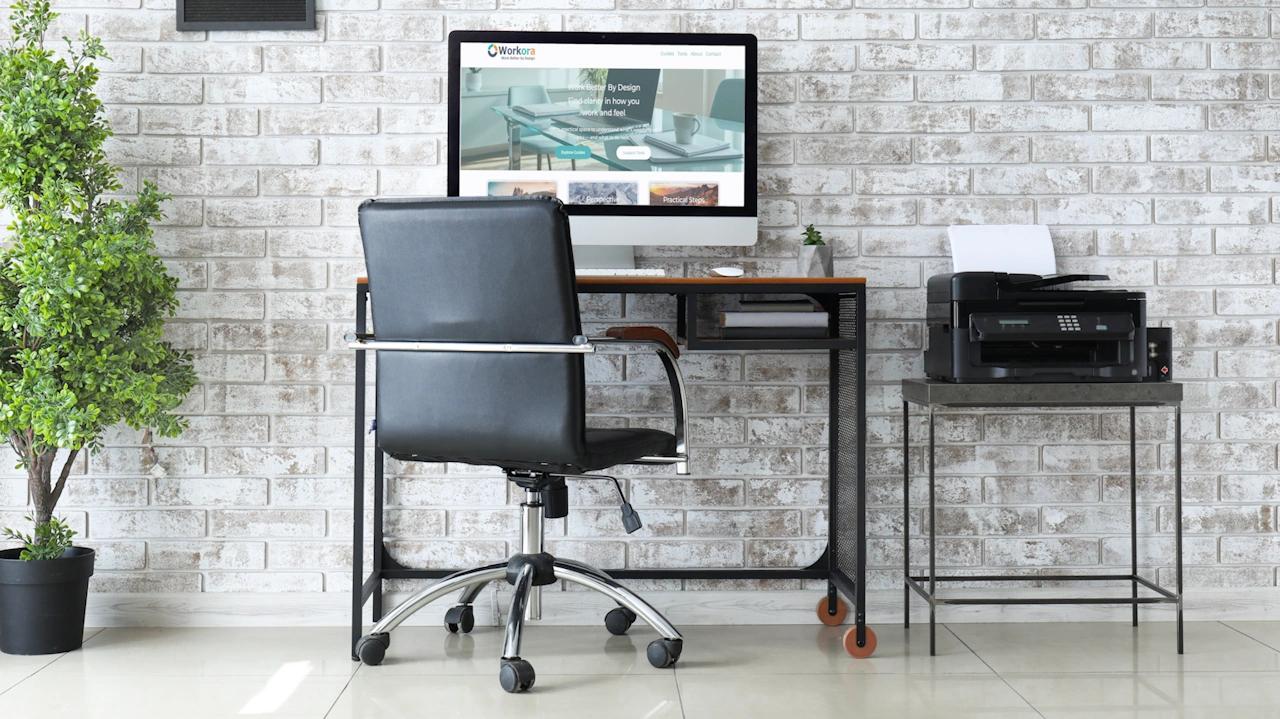
Hbada E3 Ergonomic Office Chair
View full details: Hbada E3 Ergonomic Office ChairA compact, supportive chair designed for comfort in smaller home office spaces.”
-
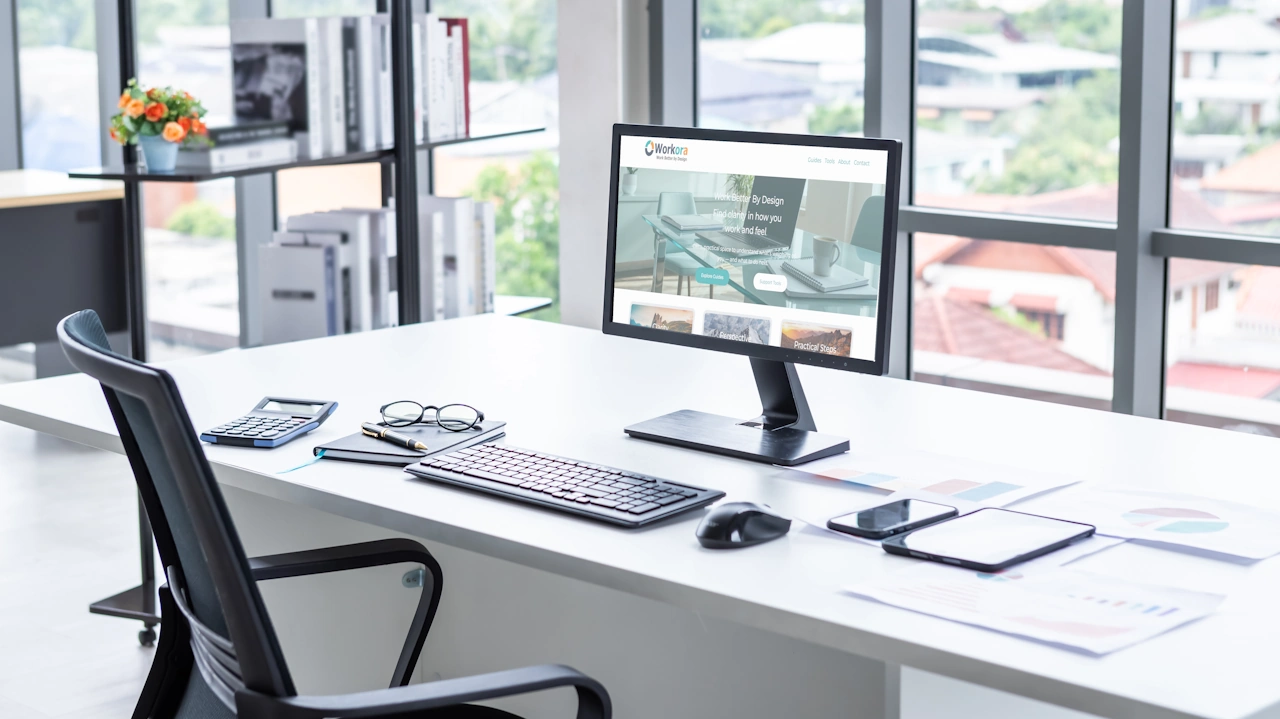
SIHOO Doro C300 Ergonomic Office Chair
View full details: SIHOO Doro C300 Ergonomic Office ChairA flexible, adaptive chair that supports natural movement and reduces pressure on your back.