

What should a good desk layout actually do for me?
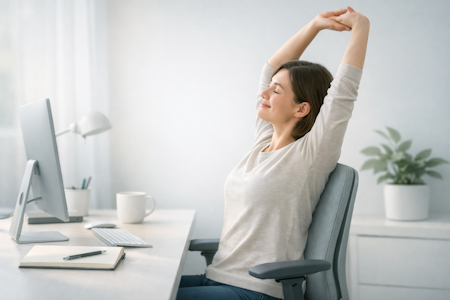
A healthy desk layout works with your body throughout the day — keeping your posture relaxed, your movements natural, and your focus clear. Understanding what real support feels like makes it much easier to recognise which layouts help you work comfortably, and which ones quietly create strain.
Workora’s Take
Most people start by adjusting individual items on their desk, but real clarity comes from understanding how your body works, moves, and shifts throughout the day. When you begin with your body — not the equipment — every layout decision becomes simpler, more natural, and far more supportive.
How Support Works Throughout the Day
Before you think about where anything should go on your desk, it helps to understand how your body naturally works, shifts, and changes throughout the day. These insights make it easier to recognise what real support feels like — and what to look for in any desk layout.
Click each box for more information
How your desk layout supports you throughout the day
Why it matters
How to recognise a layout that truly fits you
Why it matters
Understanding the key elements of your desk layout
Once you understand how your body naturally works and shifts throughout the day, it becomes much easier to recognise which layout choices will genuinely support you. These principles help you evaluate any desk setup with clarity and confidence. They’re not about complexity — they’re about arranging your workspace so it adapts to you, not the other way around.
Click each box for more information
Monitor height
Why it matters
Monitor distance
Why it matters
Keyboard placement
Why it matters
Mouse placement
Why it matters
Desk height
Why it matters
Chair‑to‑desk alignment
Why it matters
Lighting & glare
Why it matters
Workflow zones
Why it matters
What to look for in a healthy desk layout
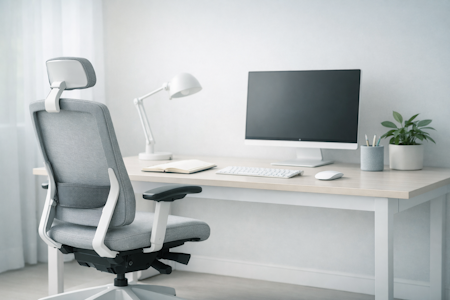
- A monitor that meets your eye line — helps your neck and shoulders stay relaxed without tilting up or down.
- A comfortable viewing distance — close enough to read easily, far enough to reduce eye strain and prevent leaning forward.
- A keyboard that sits where your arms naturally rest — keeps your shoulders low and your wrists in a neutral position.
- A mouse placed within easy reach — supports smooth movement without stretching or twisting your arm.
- A desk height that matches your body — lets your elbows rest comfortably and keeps your posture balanced.
- Lighting that reduces glare — helps your eyes relax and keeps your screen easy to look at.
- A clear, intuitive workflow zone — places your most‑used items where your hands naturally reach, keeping your space calm and easy to work in.
Once you know what to look for, the next step is recognising how a healthy desk layout should feel when you’re working at it.
How to know it’s right for you
- Your shoulders feel relaxed, not lifted or reaching forward.
- Your eyes can see the screen comfortably without leaning in.
- Your wrists and arms rest in a natural, neutral position.
- You can reach what you need without stretching or twisting.
- You feel comfortable after a few minutes — not just when you first sit down
Before you explore the layouts that follow these principles, here are answers to the questions people often ask at this stage.
Your monitor should meet your natural eye line so you’re not tilting your head up or down. If your eyes land on the top third of the screen when you sit comfortably, you’re in a good place.
A comfortable distance is usually around arm’s length. You should be able to read without leaning forward or squinting — if you’re doing either, adjust the distance.
Your keyboard should sit where your arms naturally rest, with your elbows close to your body and your wrists straight. If your shoulders lift or your wrists bend, bring it closer or lower.
Keep your mouse beside your keyboard so your arm can move comfortably without reaching. Your wrist should stay neutral, and your shoulder should feel relaxed, not stretched.
Position your monitor so light sources aren’t directly behind or in front of it. Soft, indirect lighting helps your eyes relax and keeps your screen easy to look at.
Use simple workflow zones: keep daily tools within easy reach, occasional items slightly further away, and everything else stored. A clear space helps your body and mind settle.
Check in with your body throughout the day. If you notice leaning, lifting, or stretching, make small adjustments. Your layout should adapt as your posture and tasks change.
Start with your body. When your screen, keyboard, and mouse meet your natural posture, everything else becomes easier — your shoulders relax, your eyes work less, and your movements feel more natural.


Sources
- Health and Safety Executive (HSE) — Display Screen Equipment (DSE) regulations and best‑practice recommendations for seated work. (View resource)
- National Institute for Occupational Safety and Health (NIOSH) — research on musculoskeletal strain, seated posture, and workplace ergonomics. (View resource)
- Chartered Institute of Ergonomics & Human Factors — using standards to create ergonomic workstations to promote comfort, health & productivity. (View resource)
- Workplace health organisations — insights into how chair design influences comfort, fatigue, and long‑term wellbeing. (View resource)
Bring This Guidance Into Your Workspace
These chairs reflect the support and posture principles explored in this guide.
-
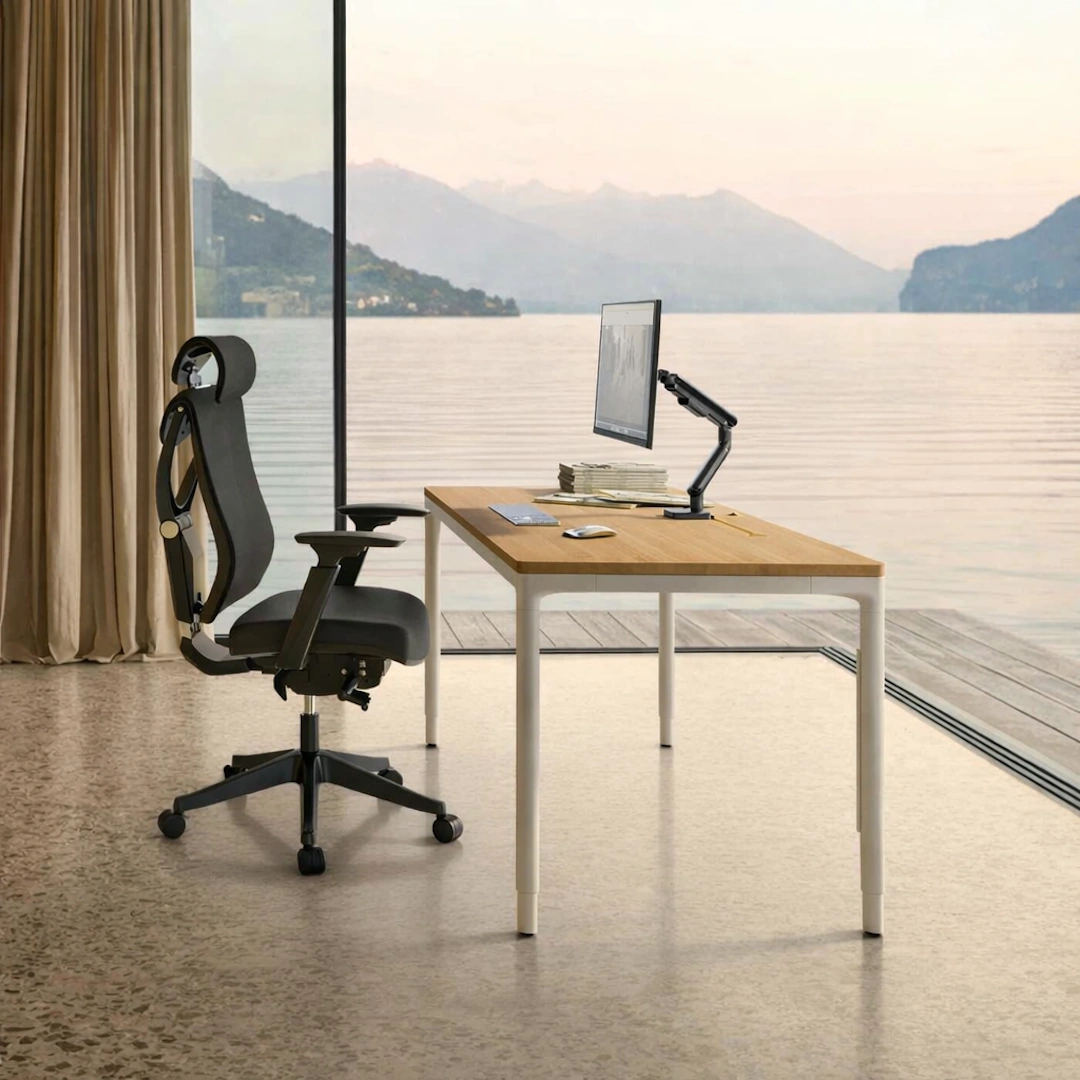
HomeMax Height-adjustable Desk
View full details: HomeMax Height-adjustable DeskThe HomeMax Desk blends minimalist design with precise engineering. Its four‑leg structure delivers exceptional stability, while the smooth height‑adjustment system supports effortless sitting‑to‑standing transitions. Create a workspace with balance and quiet confidence.
-
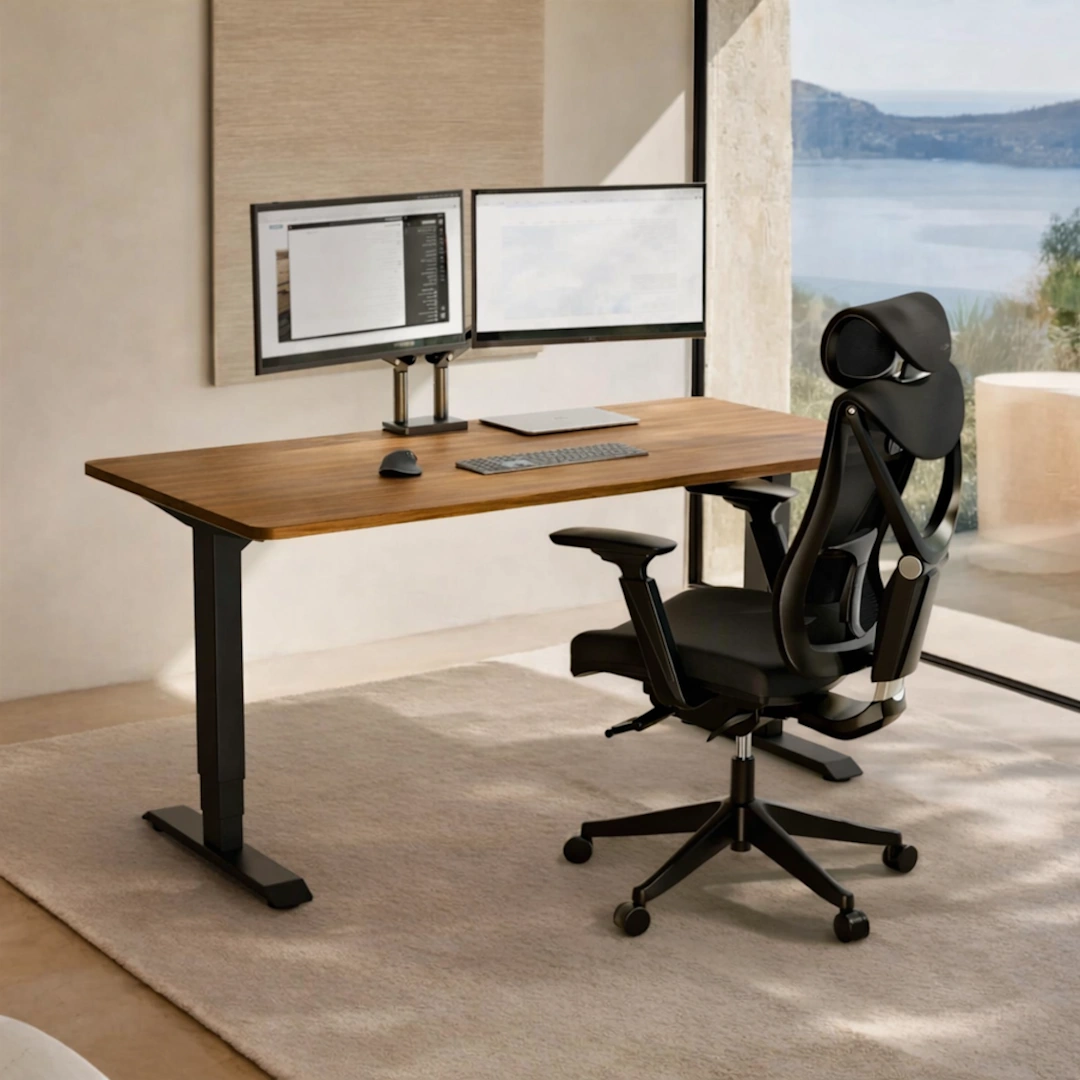
HomePro Height-adjustable Desk
View full details: HomePro Height-adjustable DeskThe HomePro Height‑Adjustable Desk is a dual‑motor workstation built for smooth, quiet transitions and everyday ergonomic comfort. With a reinforced steel frame, durable European tabletop, and intuitive touchscreen presets, it brings stability and ease to any modern home office.
-
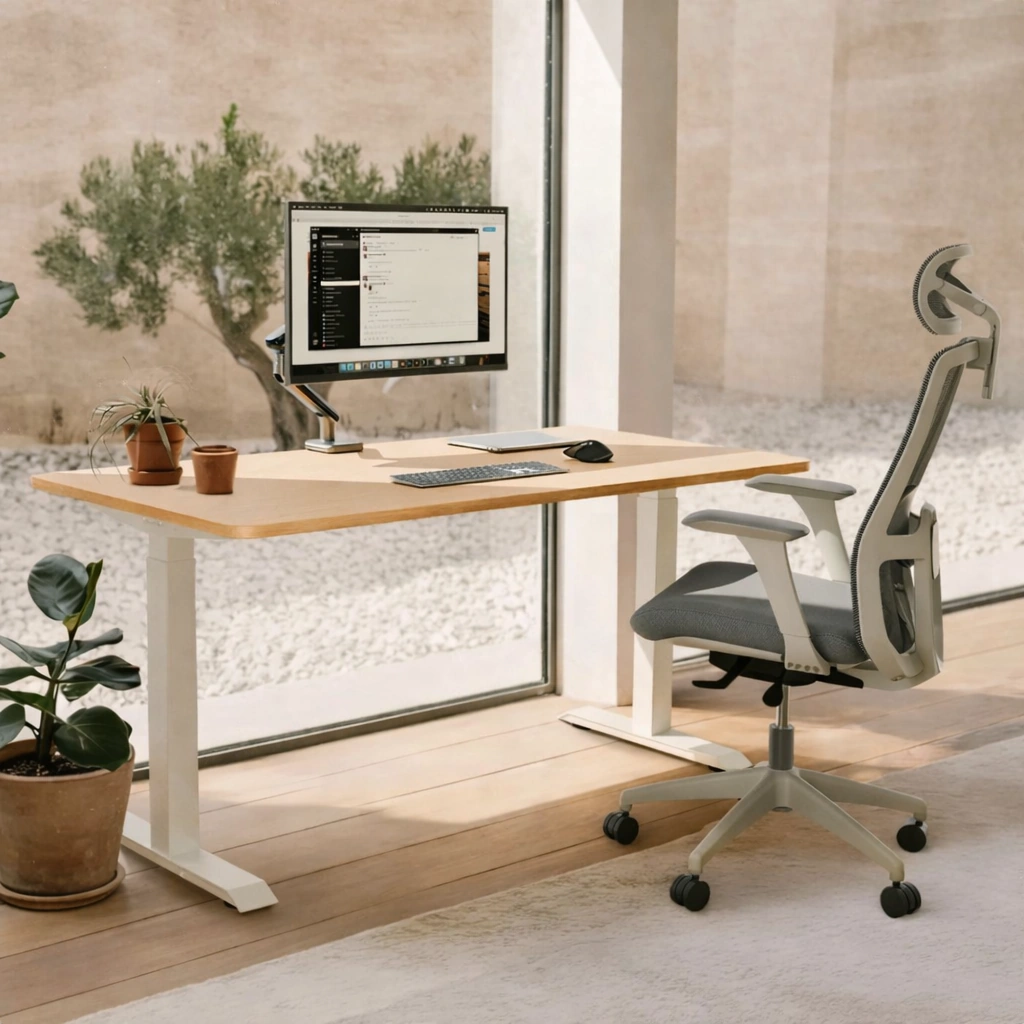
HomeOne Height-adjustable desk
View full details: HomeOne Height-adjustable deskThe HomeOne Height‑adjustable Desk delivers a premium, smooth, and quiet lift experience with its dual‑motor system and reinforced steel frame. A modern touchscreen controller, three height presets, and built‑in USB/USB‑C ports create a reliable workspace that adapts effortlessly to your day.