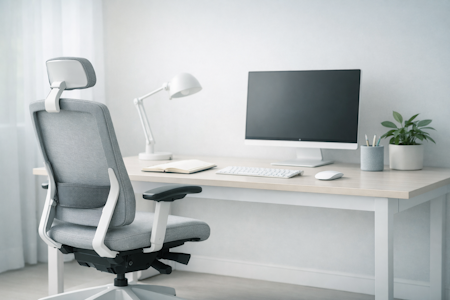


Choosing the Right Desk for Your Workspace
Your desk is the foundation of your workspace. It shapes your posture, your workflow, and the way your environment feels — whether you’re working from home, in a shared office, or moving between the two. The right desk supports your body, your tools, and your daily rhythm, helping you work with more ease and intention.
Workora’s Take
A good desk doesn’t just hold your equipment — it shapes the way you move, focus, and feel throughout the day. The right one gives you space to breathe, room to work, and a sense of stability that supports both your posture and your mindset. Whether you’re in a home office, a shared workspace, or somewhere in between, your desk should feel like a calm, dependable foundation.
Most people don’t need the biggest desk or the most advanced one. They need a desk that fits their space, supports their tools, and helps them sit or stand in a way that feels natural. Depth matters more than people realise. Stability matters more than style. And a surface that feels quiet and grounded can change the whole energy of a room.
When your desk is the right size, the right height, and the right shape for the way you work, everything else becomes easier — your posture, your workflow, your focus, even the way your workspace feels at the end of the day. A well‑chosen desk doesn’t demand attention; it quietly supports you, letting you work with more ease and intention.
How Your Desk Supports You Throughout the Day
Before you think about size, height, or features, it helps to understand how your body and workflow naturally change as the day unfolds. Your posture shifts, your focus rises and dips, and the way you use your space evolves with different tasks. When you understand these patterns, it becomes easier to recognise what a supportive desk feels like — and what to look for in any workspace.
A well‑chosen desk adapts to these rhythms. It gives you enough depth to keep a relaxed posture, enough width to spread out when you need to, and enough stability to feel grounded during focused work. It supports movement, not stillness. It creates space for your tools without crowding your body. And it helps your environment stay calm, even when your workload isn’t.
Click each box for more information
How Your Desk Supports You Throughout the Day
Why it matters
How to Recognise a Desk That Truly Fits You
Why This Matters
Understanding the Key Features of Your Desk
Once you understand how your posture, focus, and workflow naturally shift throughout the day, it becomes easier to recognise which desk features will genuinely support you. These principles help you evaluate any desk with clarity and confidence. The features aren’t about complexity — they’re about helping the desk fit the way you work, not forcing you to adapt to the desk.
Click each box for more information
Desk Size
Why This Matters
Desk Height & Sit–Stand Options
Why This Matters
Stability & Frame Strength
Why This Matters
Surface Material & Finish
Why This Matters
Legroom & Under‑Desk Space
Why it matters
Cable Management
Why it matters
Weight Capacity & Equipment Support
Why it matters
Shape & Layout
Why it matters
What to look for in a supportive desk
- A desk size that gives you room to work — enough width for your tools and enough depth to sit back without leaning forward.
- A height that supports relaxed posture — lets your arms rest naturally and keeps your shoulders from lifting or hunching.
- A stable, solid frame — prevents wobble during typing or writing and supports heavier setups like dual monitors.
- A surface that feels comfortable and calm — matte finishes reduce glare, rounded edges feel softer, and neutral tones keep your space visually quiet.
- Generous legroom beneath the desk — avoids bumping into beams or drawers and helps your hips and knees stay relaxed.
- Built‑in cable management — keeps wires organised and out of sight so your workspace stays clear and focused.
- A shape that suits your workflow — rectangular for simplicity, L‑shaped for multitasking, compact for smaller rooms.
- Enough load capacity for your equipment — supports monitors, arms, and accessories without flexing or shaking
Once you know what to look for, the next step is recognising how a supportive desk should feel in your space and throughout your day.
How to know it’s right for you
- Your shoulders feel relaxed, not lifted or reaching up to the desk.
- Your arms rest naturally, without needing to lean forward or pull your elbows in.
- You have enough depth to sit back comfortably, not hover over your work.
- Your legs move freely under the desk, without bumping into beams or drawers.
- Your setup feels stable — nothing wobbles when you type or write.
- Your workspace feels clear and calm, not cluttered or cramped.
- You feel comfortable after a few minutes, not just when you first sit down.
People often have a few questions when choosing or setting up a desk, especially if they’re creating a workspace that needs to feel comfortable all day.
Most people feel comfortable with a depth of 60–80 cm. This gives you enough space to sit back, place your monitor at a healthy distance, and avoid leaning forward. If you use multiple monitors or a monitor arm, deeper desks often feel more natural.
A desk feels right when your shoulders stay relaxed and your forearms rest comfortably at roughly elbow height. Fixed‑height desks vary, so pairing them with an adjustable chair or sit–stand option helps you find a natural posture
Not everyone needs one, but many people benefit from the movement and flexibility it provides. Even occasional standing can reduce stiffness and help you stay more focused. If you sit for long periods, it’s worth considering.
A supportive desk shouldn’t wobble when you type, write, or rest your arms. If you use dual monitors, a monitor arm, or heavier equipment, look for a solid frame and a higher weight capacity to keep everything steady.
Most people prefer matte finishes because they reduce glare and feel calmer to work on. Rounded edges are more comfortable for your arms, and neutral colours help your workspace feel less visually busy.
You should be able to move your legs freely without hitting beams, drawers, or supports. If you often shift positions or stretch your legs, open under‑desk space makes a big difference in comfort.
Yes — not just for tidiness. Clear cable pathways reduce visual clutter, prevent snagging, and make your workspace feel more organised. Even simple trays or clips can make your desk feel calmer and easier to use.
Compact rectangular desks work well in tighter rooms. If you need more surface area without taking up extra width, a deeper desk or a small L‑shape can create more usable space without crowding the room.


Sources
- Health and Safety Executive (HSE) — guidance on Display Screen Equipment (DSE) setup, including desk height, monitor distance, and workstation layout. (View resource)
- National Institute for Occupational Safety and Health (NIOSH) — research on musculoskeletal strain, desk posture, and how workstation design affects comfort and long‑term wellbeing. (View resource)
- Chartered Institute of Ergonomics & Human Factors — standards for creating ergonomic workspaces, including recommendations for desk dimensions, legroom, and equipment placement. (View resource)
- Workplace health organisations — insights into how desk design, surface materials, and stability influence comfort, focus, and daily working habits. (View resource)
Bring This Guidance Into Your Workspace
These chairs reflect the support and posture principles explored in this guide.
-
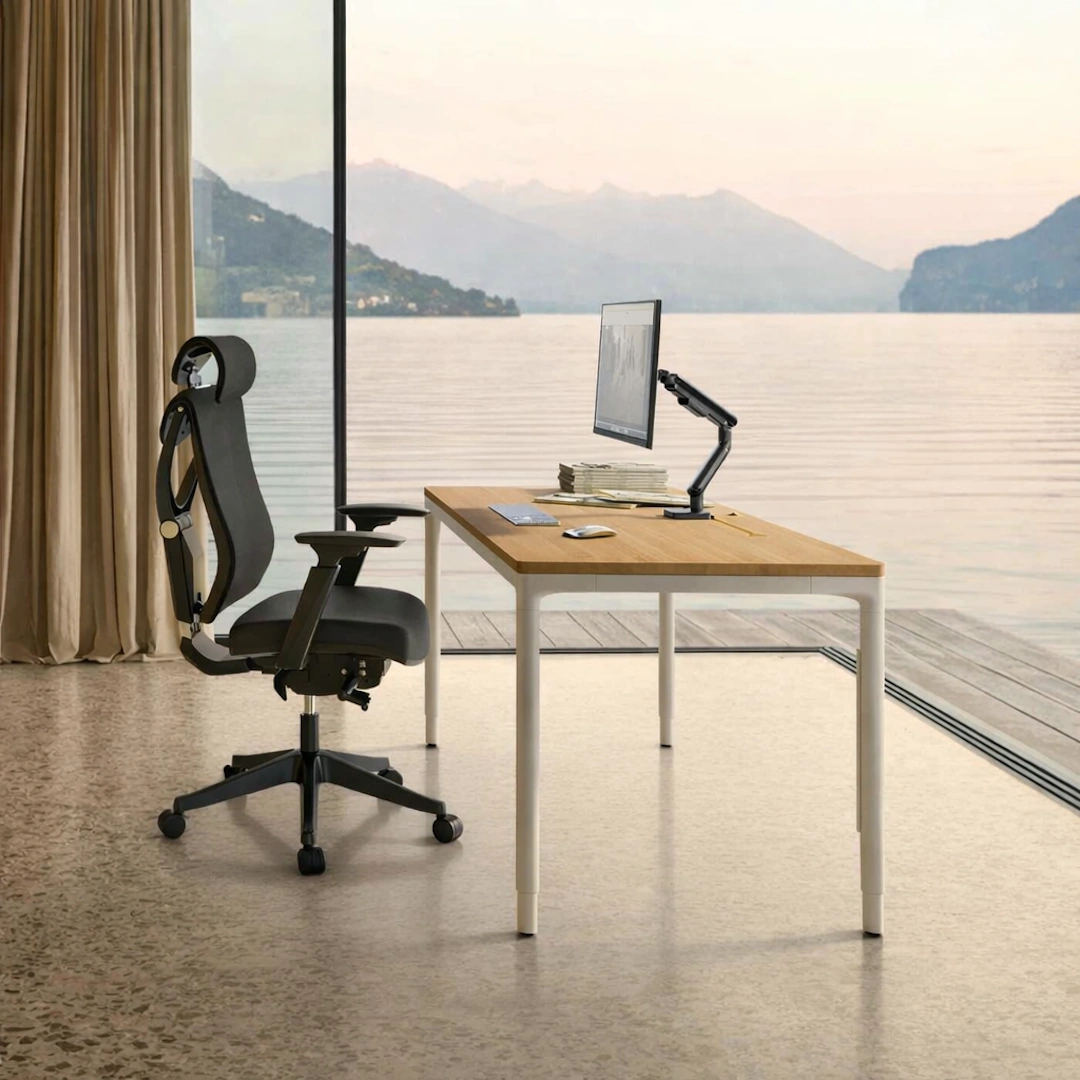
HomeMax Height-adjustable Desk
View full details: HomeMax Height-adjustable DeskThe HomeMax Desk blends minimalist design with precise engineering. Its four‑leg structure delivers exceptional stability, while the smooth height‑adjustment system supports effortless sitting‑to‑standing transitions. Create a workspace with balance and quiet confidence.
-
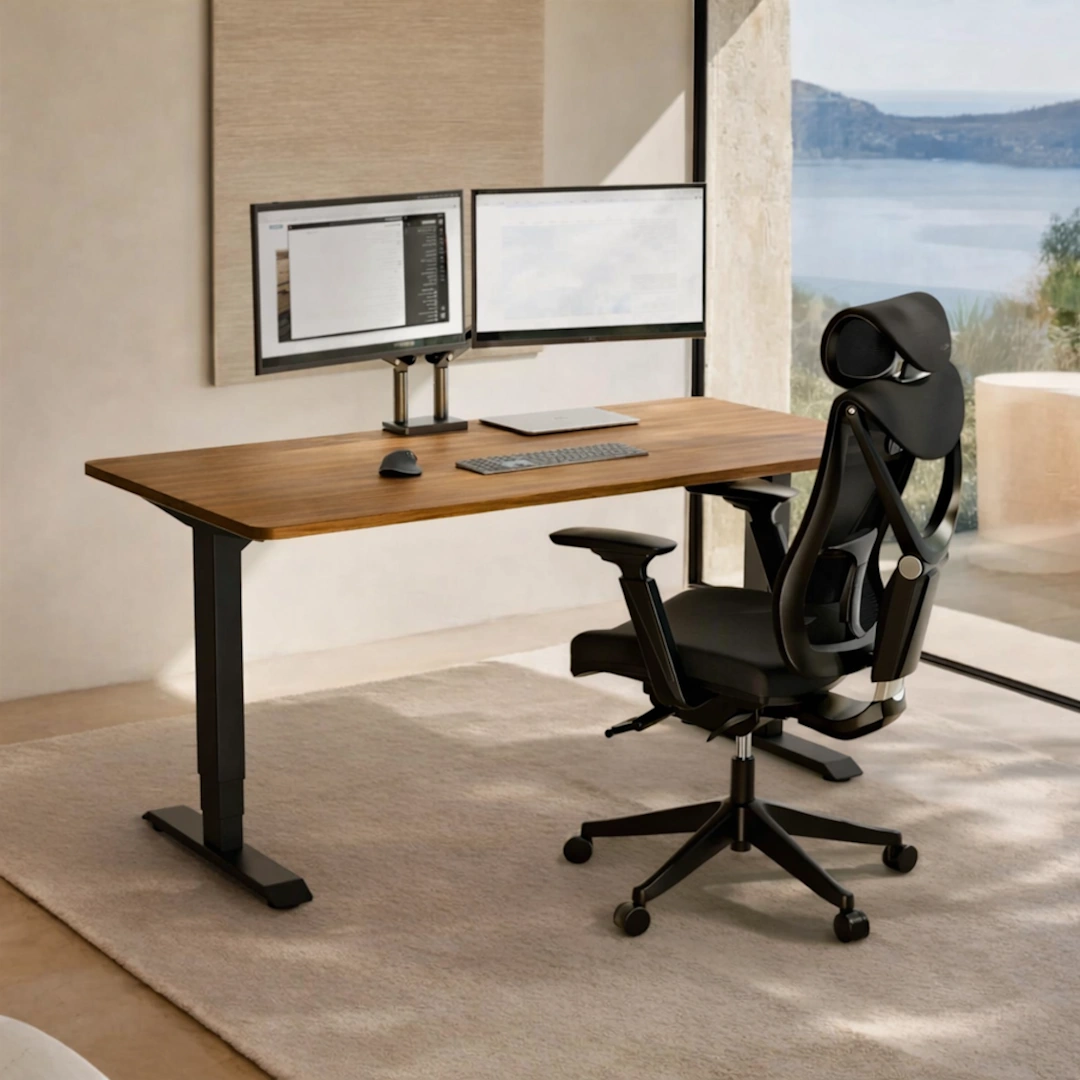
HomePro Height-adjustable Desk
View full details: HomePro Height-adjustable DeskThe HomePro Height‑Adjustable Desk is a dual‑motor workstation built for smooth, quiet transitions and everyday ergonomic comfort. With a reinforced steel frame, durable European tabletop, and intuitive touchscreen presets, it brings stability and ease to any modern home office.
-
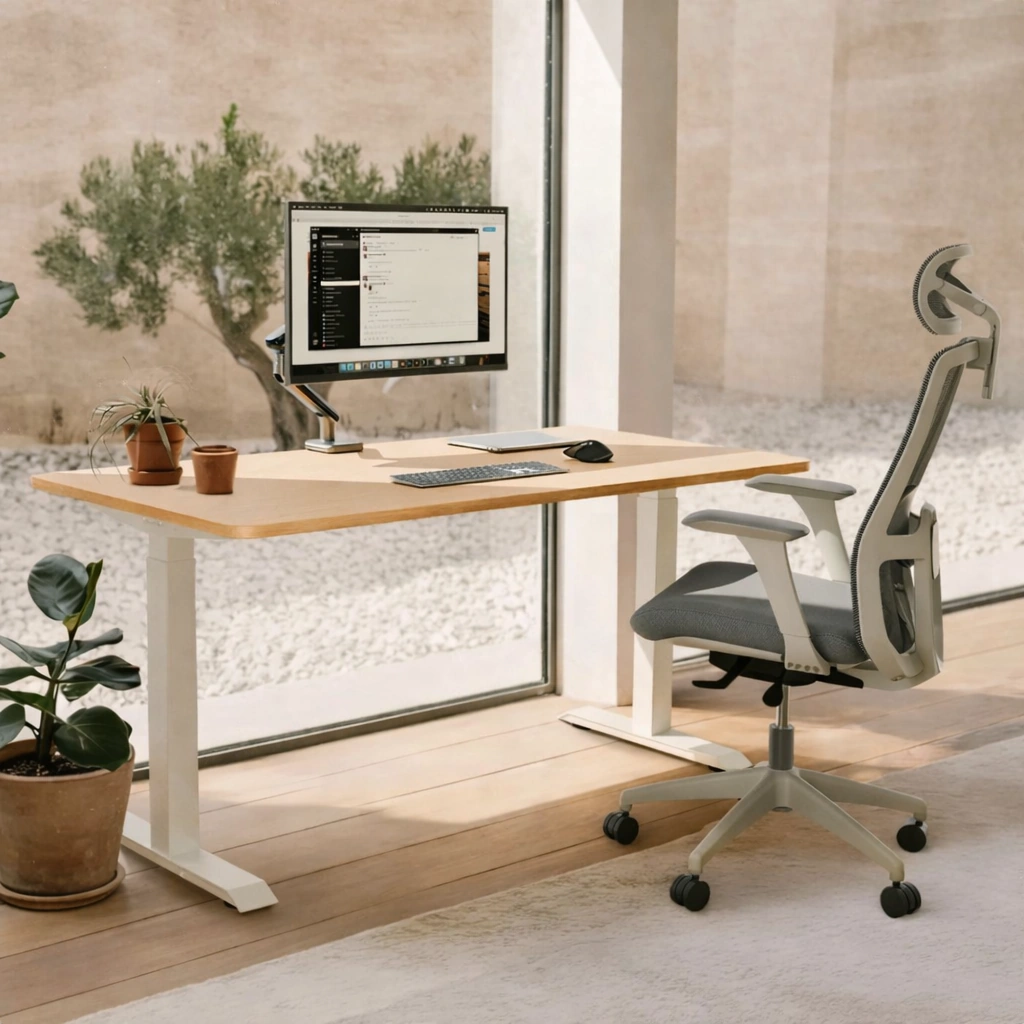
HomeOne Height-adjustable desk
View full details: HomeOne Height-adjustable deskThe HomeOne Height‑adjustable Desk delivers a premium, smooth, and quiet lift experience with its dual‑motor system and reinforced steel frame. A modern touchscreen controller, three height presets, and built‑in USB/USB‑C ports create a reliable workspace that adapts effortlessly to your day.