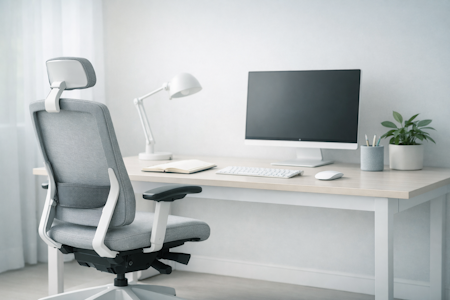


What should a good home office actually do for me?
A supportive home office makes work feel easier — giving you a space that feels clear, comfortable, and genuinely yours. When your environment is set up to help you, it becomes far simpler to focus, stay organised, and move through the day without friction.
Workora’s Take
Most people start by thinking about furniture or décor, but real clarity comes from understanding how you work — your habits, your energy, and the way your day naturally flows. When you begin with your needs, not the room, every decision becomes simpler, more intentional, and far more supportive.
How Support Works Throughout the Day
Before you think about layouts or equipment, it helps to understand how your workday naturally shifts — your focus, your energy, and the tasks you move between. When you see these patterns clearly, it becomes much easier to design a home office that supports you at every stage, not just in ideal moments.
Click each box for more information
Your Workday Has Different Modes
Let Your Space Adapt With You
Your Space Affects How You Work
Small Adjustments Make a Big Difference
Understanding the key elements of your home office
Once you understand how your day naturally flows — the tasks you do, the tools you reach for, and the moments when you need clarity or comfort — it becomes much easier to recognise which parts of your home office will genuinely support you. These principles help you shape a space with confidence. It’s not about complexity — it’s about creating an environment that adapts to you.
Click each box for more information
Lighting Shapes Your Focus
Why It Matters
Comfort Influences Your Concentration
Why It Matters
Your Desk Sets the Tone
Why It Matters
Clarity Comes From Order
Why It Matters
Your Environment Shapes Your Focus
Why It Matters
You Don’t Stay Still All Day
Why It Matters
Comfort Helps You Settle
Why It Matters
Your Tools Should Work With You
Why It Matters
What to look for in a supportive home office
- Lighting that keeps you comfortable and alert — helps you see clearly and stay focused throughout the day.
- A desk with enough space for your real tasks — gives you room to write, type, plan, and spread out without clutter building up.
- A chair that supports natural movement — keeps you comfortable as your posture shifts and your work changes.
- Storage that keeps essentials within reach — prevents piles from forming and keeps your space feeling calm and organised.
- Noise control that protects your attention — helps you stay focused during calls, deep work, and moments when you need quiet.
- Space to move naturally — allows you to shift, stretch, and adjust your position without feeling restricted.
- Comfort elements that help you settle — temperature, textures, and small touches that make the space feel good to be in.
- A digital setup that works with you — organised files, a tidy desktop, and tools that support your workflow.
Once you know what to look for, the next step is understanding how a supportive home office should feel when you’re working in it.
How to know it’s right for you
- Your space feels calm rather than busy or distracting.
- You can move through your tasks without rearranging things or searching for tools.
- Your body feels comfortable — not tense, cramped, or restricted.
- You settle into work easily and stay focused without fighting your environment.
Before you explore the setups that match these principles, here are answers to the questions people often ask at this stage.
Choose a spot with stable lighting, minimal foot traffic, and fewer visual distractions.
Facing a wall or window often helps you settle more easily into your work.
Aim for soft, even lighting for general tasks and an adjustable lamp for focused work.
If your eyes feel relaxed and you’re not fighting shadows or glare, the lighting is right.
Small changes make a big difference: headphones, a defined work zone, and a layout that keeps your attention forward.
Reducing visual and noise interruptions helps you stay in flow.
Your elbows should rest comfortably at desk height, and you should be able to sit back without hunching or reaching.
If your shoulders stay relaxed and your posture feels natural, the pairing works.
If possible, yes — even a small boundary helps your mind switch into and out of work mode.
A defined space supports focus during the day and clearer rest in the evening.
Start with the area you use most — usually your desk, chair, and lighting.
Once your core setup feels supportive, everything else becomes easier to shape.


Sources
- Health and Safety Executive (HSE) — Display Screen Equipment (DSE) regulations and best‑practice recommendations for seated work. (View resource)
- National Institute for Occupational Safety and Health (NIOSH) — research on musculoskeletal strain, seated posture, and workplace ergonomics. (View resource)
- Chartered Institute of Ergonomics & Human Factors — using standards to create ergonomic workstations to promote comfort, health & productivity. (View resource)
- Workplace health organisations — insights into how chair design influences comfort, fatigue, and long‑term wellbeing. (View resource)
Bring This Guidance Into Your Workspace
These chairs reflect the support and posture principles explored in this guide.
-
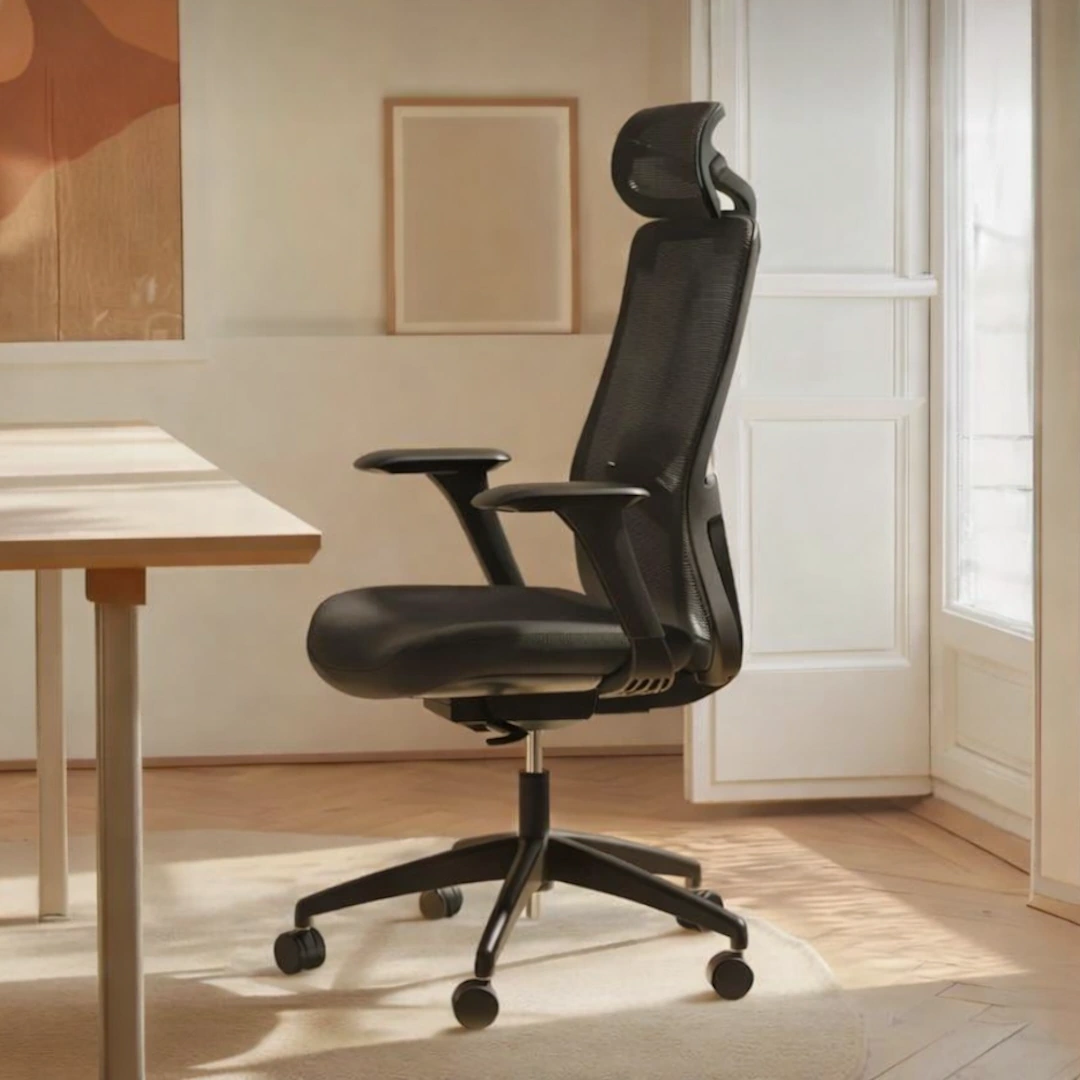
SitOne Ergonomic Office Chair
View full details: SitOne Ergonomic Office ChairThe SitOne ergonomic chair supports your body through a thoughtful set of adjustable features — from seat‑depth refinement to 4D armrests that move with your natural posture. Its lumbar support and premium build are designed to reduce strain and maintain alignment for all day comfort.
-
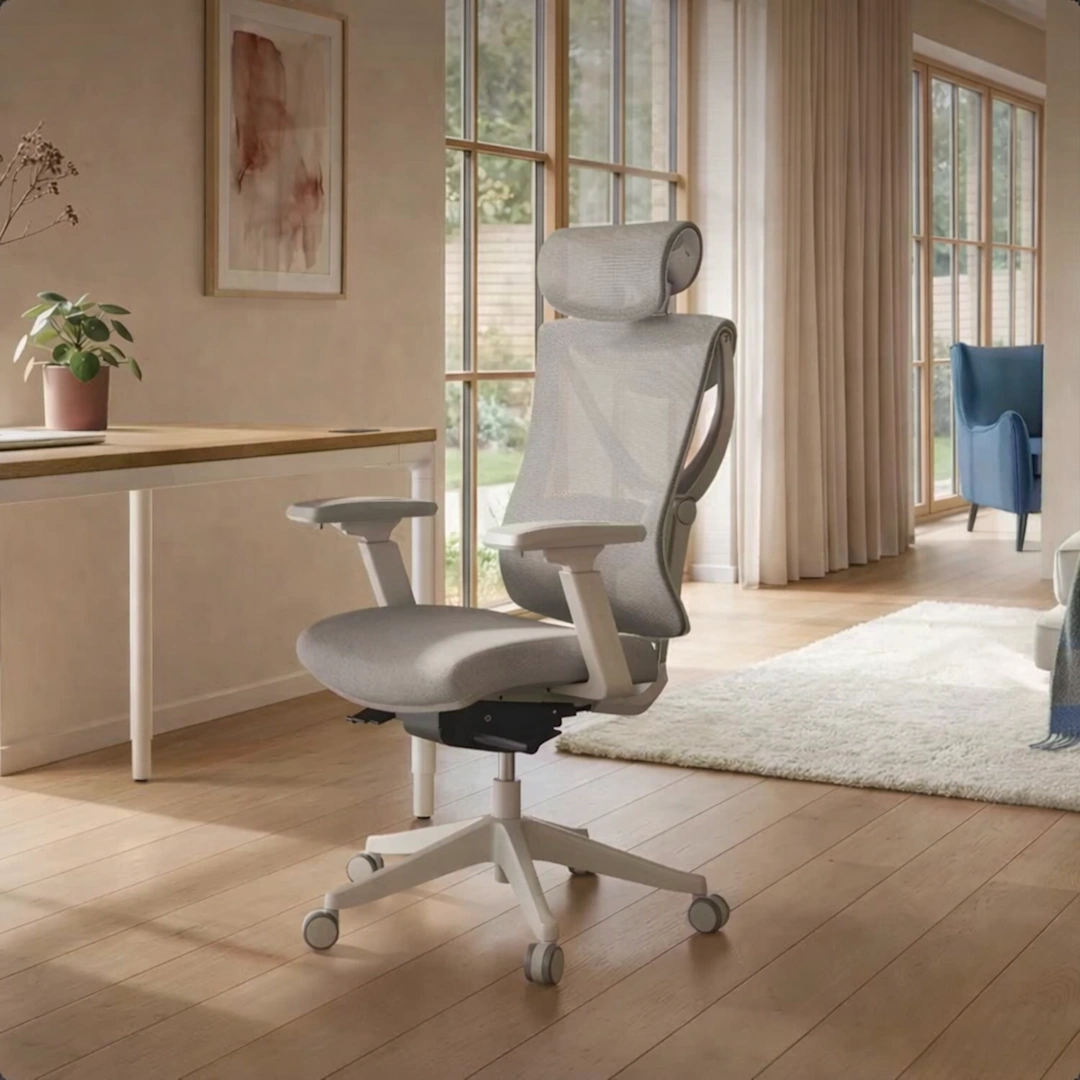
SitPro Ergonomic Office Chair
View full details: SitPro Ergonomic Office ChairThe SitPro ergonomic chair adapts quietly to your body through nine points of adjustment — from the height‑balanced backrest to the 3D armrests that follow your natural posture. Each element is designed to support alignment and ease through long hours of seated work.