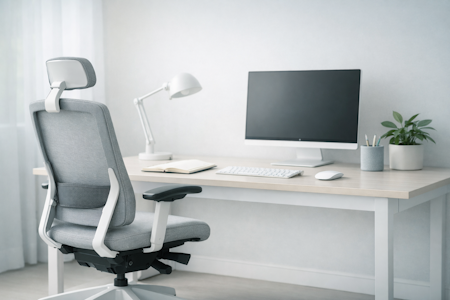


Why Proper Ergonomics Matters For Your Workday
Most people start by looking at room dimensions or aesthetic styling, but real comfort comes from understanding how your body handles prolonged work hours. When you design your environment to support natural posture, you boost circulation, ease physical tension, and protect your cognitive energy.
Workora’s Take
Ergonomics isn’t a fleeting trend; it’s a system for managing your physical rhythm. When you stop forcing your body to stay locked in a single static pose for eight hours, everything becomes simpler: you stay more comfortable, less distracted, and deeply focused for longer.
The Foundations Of Remote Workspace Ergonomics
Creating an ergonomic workspace is about more than choosing the right desk or chair. Understanding how your posture, movement, and working environment interact helps you build a workspace that supports your comfort and wellbeing throughout the working day.
Click each box for more information
Your Workspace Should Fit You
Why It Matters
Movement Is Part of Ergonomics
Why It Matters
Understanding the Essentials of an Ergonomic Workspace
A comfortable workspace is about more than the furniture you choose. From chair adjustments and screen positioning to lighting and desk layout, every element plays a role in creating a workspace that supports your comfort, posture, and productivity.
Click each box for more information
Chair Support and Adjustability
Why It Matters
Monitor Height and Position
Why It Matters
Keyboard and Mouse Placement
Why It Matters
Desk Height and Legroom
Why It Matters
Lighting and Glare Control
Why It Matters
Cable Management and Safety
Why It Matters
Workspace Layout and Accessibility
Why It Matters
Movement and Posture Variation
Why It Matters
Designing Your Workspace Routine
Once you have the right equipment in place, the final step is bringing a calm, intentional rhythm to your daily workflow.
Click each box for more information
Listen to your body’s signals
Why It Matters
Protect your mental clarity
Why It Matters
Assess Your Workspace for Everyday Comfort
Before making changes to your home office, take a moment to assess how your current workspace supports you throughout the working day. Consider your sitting position, screen height, lighting, equipment placement, and the space available to move comfortably. Identifying potential issues helps you prioritise practical adjustments and create a workspace that better supports your comfort, posture, and daily routine.
What to Look for in a Supportive Home Workspace
- A chair that supports your posture — allows you to adjust your sitting position and provides suitable back support throughout the day.
- A correctly positioned monitor — keeps your screen at a comfortable viewing height and distance to help reduce unnecessary neck movement.
- A comfortable keyboard and mouse setup — keeps your equipment within easy reach and supports relaxed shoulders and natural wrist positioning.
- A desk suited to your needs — provides enough room for your equipment while allowing comfortable arm positioning and adequate legroom.
- Balanced lighting and reduced glare — helps you view your screen and documents comfortably throughout the working day.
- An organised, accessible layout — keeps frequently used items within reach and reduces unnecessary stretching, twisting, and reaching.
- Space for movement and posture changes — allows you to adjust your position, stand up, and move regularly rather than remaining static for extended periods.
How to Know Your Workspace Is Working for You
- Your chair supports a comfortable sitting position, with your feet supported and your back adequately supported.
- Your monitor is positioned at a comfortable viewing height and distance, helping you maintain a natural head and neck position.
- Your keyboard and mouse are within easy reach, allowing your shoulders to remain relaxed and your wrists to stay in a natural position.
- Your desk provides sufficient space for your equipment, comfortable arm positioning, and unrestricted leg movement.
- Your workspace allows you to change positions regularly, take movement breaks, and avoid remaining static for too long.
If your workspace meets these criteria, you’re building a supportive environment that prioritises comfort, encourages healthy working habits, and helps you work more comfortably throughout the day.
Closing Reflection
An ergonomic workspace goes beyond choosing the right furniture. It’s about creating an environment that supports your body, accommodates your working habits, and makes everyday tasks more comfortable. From the position of your monitor to the way you organise your desk, small adjustments can make a meaningful difference to your working environment.
The goal isn’t to achieve a perfect setup or maintain one posture all day. It’s to create a workspace that works for you, encourages regular movement, and adapts to your needs as your working day progresses.
Quick Checklist
- Adjust your chair and desk to support a comfortable working position.
- Position your monitor at a suitable height and viewing distance.
- Keep your keyboard and mouse within easy reach.
- Organise cables and everyday equipment to maintain a safe, accessible workspace.
- Check your lighting and reduce glare where possible.
- Take regular movement breaks and change positions throughout the day.
Before making changes to your home workspace, here are answers to some of the most common questions about creating a comfortable, supportive, and ergonomic working environment.
Start by adjusting your chair, desk, and monitor to suit your body. Keep your feet supported, your shoulders relaxed, and your keyboard and mouse within easy reach. Position your screen at a comfortable viewing height and distance, and ensure you have enough space to work without feeling restricted.
Your chair should allow your feet to rest flat on the floor, with your thighs supported and your knees comfortably positioned. Adjust your desk so your elbows remain close to your body and your forearms are approximately parallel to the floor when typing. If your desk is too high to achieve this comfortably, consider a footrest or an alternative desk-height adjustment.
Position your monitor directly in front of you, approximately an arm’s length away as a starting point. The top of the screen should generally be at or slightly below eye level, although the ideal position depends on your screen size, vision, and whether you wear varifocal glasses. Adjust the height and distance so you can view the screen comfortably without leaning forward or repeatedly tilting your head.
Try to break up long periods of sitting with regular movement throughout the day. Stand up, stretch, walk around, or change your working position between tasks. There isn’t one ideal schedule for everyone, so find a routine that fits your work and encourages you to move regularly rather than remaining in the same position for extended periods.
No. You can create an ergonomic workspace with a conventional desk, a properly adjusted chair, and well-positioned equipment. A sit-stand desk can offer additional flexibility by allowing you to alternate between sitting and standing, but the most important factors are comfortable positioning, regular movement, and a setup that suits your needs.
Start with simple adjustments before buying new equipment. Reposition your monitor, organise your keyboard and mouse, adjust your chair, improve your lighting, and remove unnecessary clutter. Make sure cables are safely secured and frequently used items are within easy reach. Small, thoughtful changes can improve the usability of your workspace without requiring a complete redesign.


Sources
- Ergonomics & Movement Science — Research on the cognitive and physical benefits of posture variation and dynamic workstations.
- Spine Health & Physical Alignment — Clinical insights into reducing lower back fatigue through proper sit-stand desk ergonomics and height adjustment.
- Workspace Efficiency & Focus — Studies on how intentional hardware design and clean cable management reduce micro-distractions during deep work.
Bring This Guidance Into Your Workspace
These chairs reflect the support and posture principles explored in this guide.
-
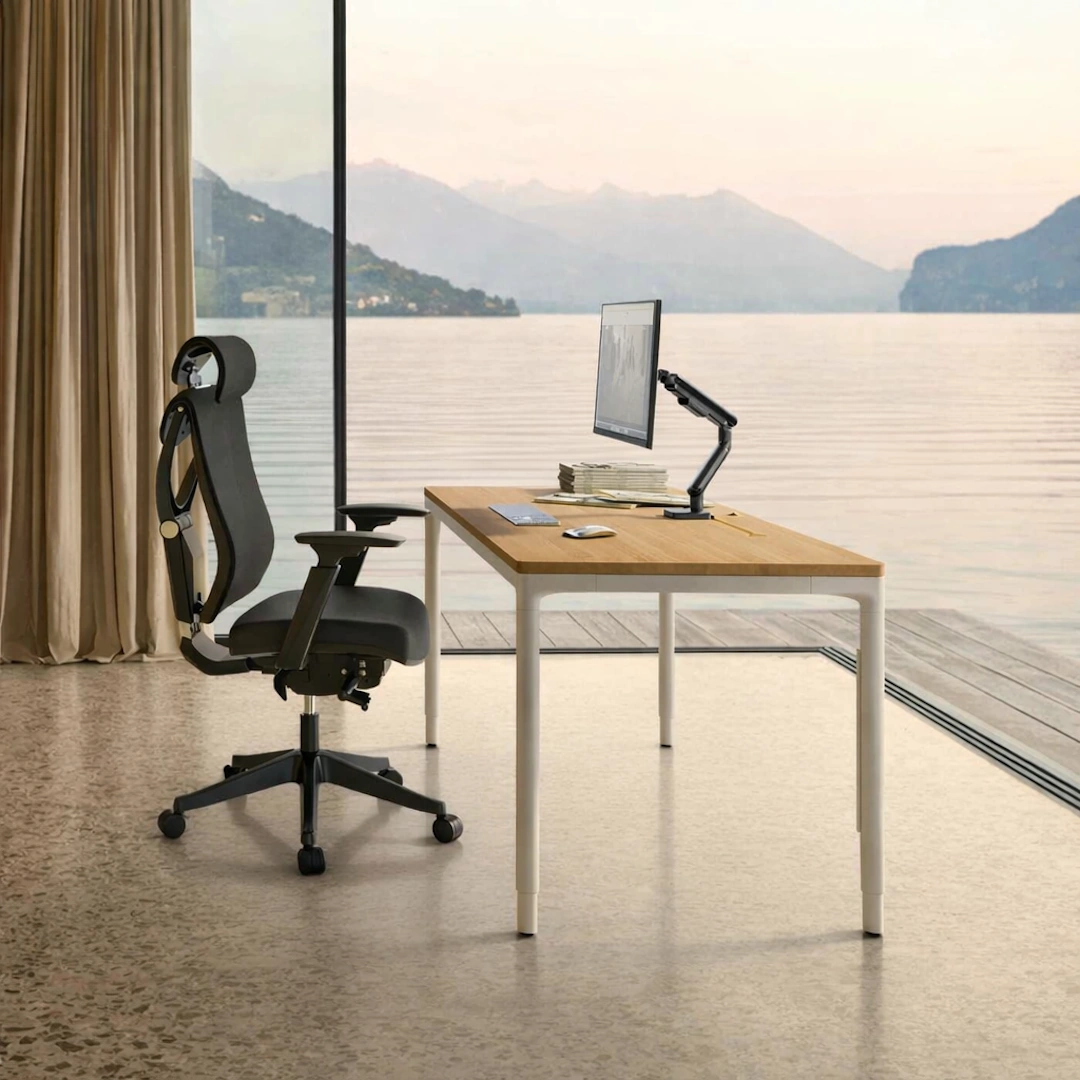
HomeMax Height-adjustable Desk
View full details: HomeMax Height-adjustable DeskThe HomeMax Desk blends minimalist design with precise engineering. Its four‑leg structure delivers exceptional stability, while the smooth height‑adjustment system supports effortless sitting‑to‑standing transitions. Create a workspace with balance and quiet confidence.
-
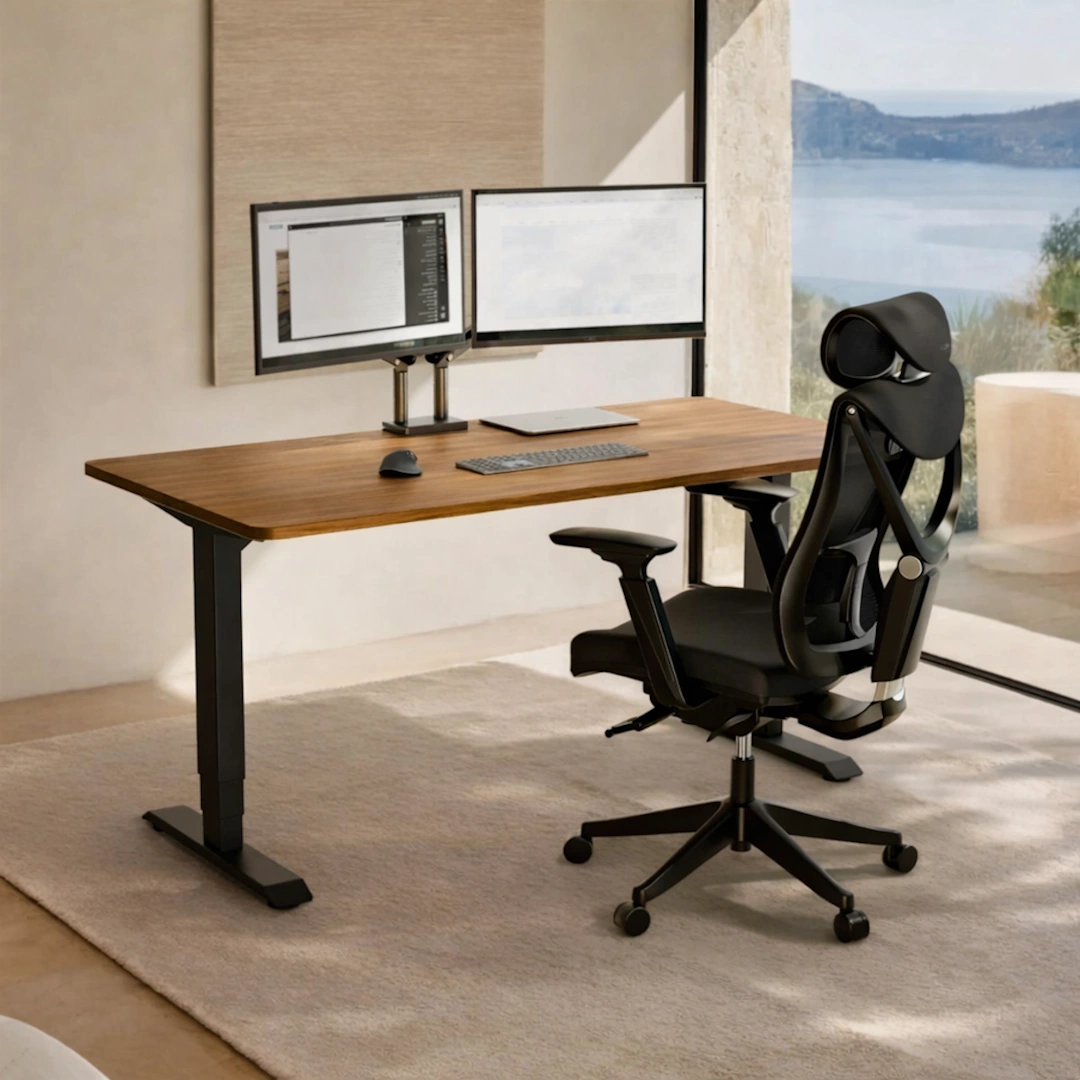
HomePro Height-adjustable Desk
View full details: HomePro Height-adjustable DeskThe HomePro Height‑Adjustable Desk is a dual‑motor workstation built for smooth, quiet transitions and everyday ergonomic comfort. With a reinforced steel frame, durable European tabletop, and intuitive touchscreen presets, it brings stability and ease to any modern home office.
-
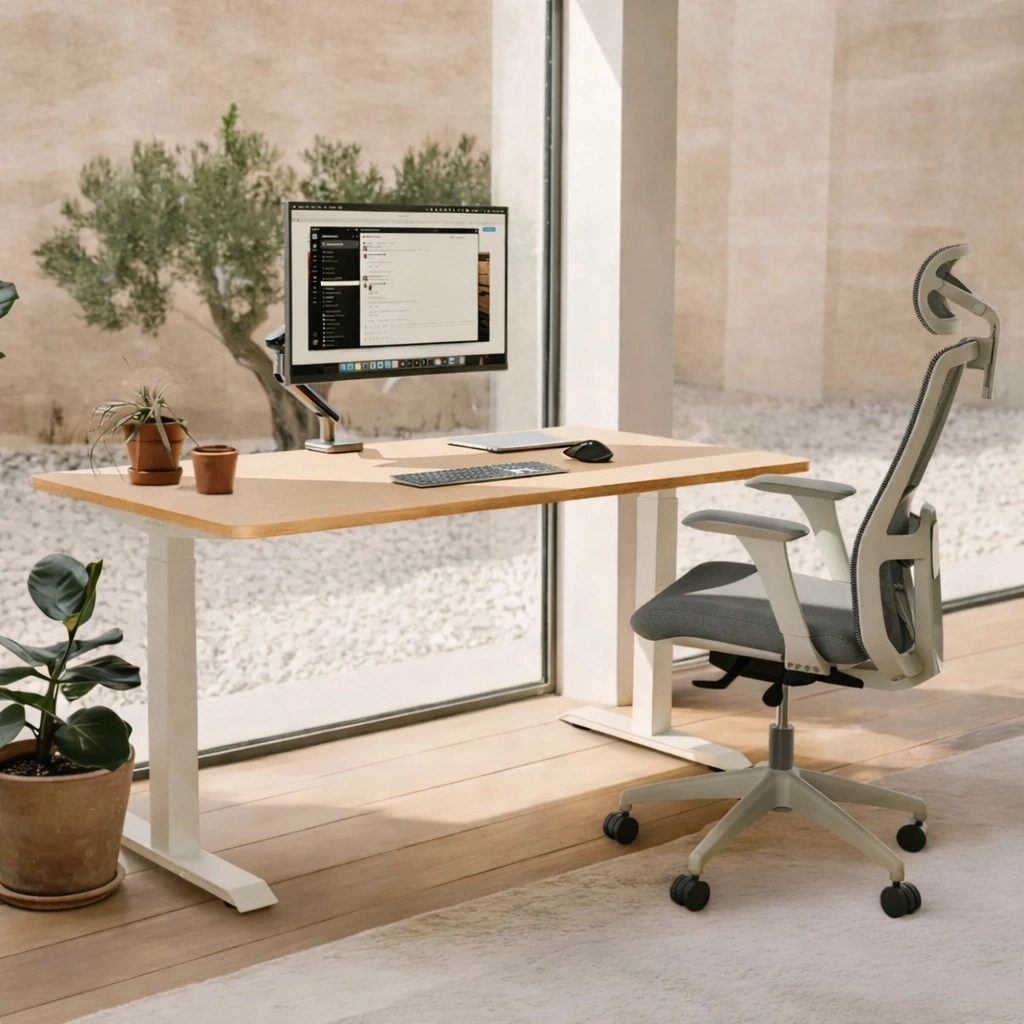
HomeOne Height-adjustable desk
View full details: HomeOne Height-adjustable deskThe HomeOne Height‑adjustable Desk delivers a premium, smooth, and quiet lift experience with its dual‑motor system and reinforced steel frame. A modern touchscreen controller, three height presets, and built‑in USB/USB‑C ports create a reliable workspace that adapts effortlessly to your day.