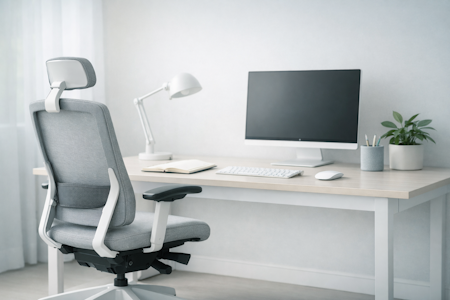


Why a sit-stand desk matters for your workday
Most people start by looking at desk dimensions or price tags, but real clarity comes from understanding how your body handles prolonged sitting. When you shift your posture naturally, you boost circulation, ease physical tension, and protect your cognitive energy.
Workora’s Take
A sit-stand desk isn’t a fitness gimmick; it’s a tool for managing your physical rhythm. When you stop forcing your body to stay locked in a single static pose for eight hours, everything becomes simpler: you stay more comfortable, less distracted, and deeply focused for longer.
How Movement and Posture Work Together
Before you look at motors or frame adjustments, it helps to understand how your body naturally shifts throughout the day. These principles help you evaluate any sit-stand desk with clarity and confidence.
Click each box for more information
Your rhythm isn’t static
Why It Matters
The 90-degree rule
Why It Matters
Understanding the key features of your sit-stand desk
These features aren’t about technical complexity—they are about helping the desk adapt to your workflow so you never have to break your concentration.
Click each box for more information
Frame stability at maximum height
Why It Matters
Motor mechanics and smooth transitions
Why It Matters
Programmable memory presets
Why It Matters
Collision detection safety
Why It Matters
Weight capacity and load balance
Why It Matters
Cable management integration
Why It Matters
Surface area and spatial zoning
Why It Matters
Sustainable materials and finishes
Why It Matters
Designing Your Workspace Routine
Once you have the right equipment in place, the final step is bringing a calm, intentional rhythm to your daily workflow.
Click each box for more information
Listen to your body’s signals
Why It Matters
Protect your mental clarity
Why It Matters
Audit Your Setup for a Sit-Stand Transition
Before you introduce a sit-stand desk into your room, take a moment to observe how your workspace functions right now. Notice where cords tangle, how much vertical clearance you have for moving monitors up and down, and whether your current floor space comfortably accommodates both a seated chair position and an open standing footprint. A brief setup audit gives you total clarity on what needs to change to support a smooth, clutter-free transition.
What to Look for in a Supportive Sit-stand Desk
- A height range that fits your body — accommodates your exact sitting and standing ergonomics comfortably.
- Rock-solid stability at standing height — eliminates screen wobble and keeps typing steady.
- Quiet, reliable motors with memory presets — make posture transitions effortless and friction-free.
- Built-in collision detection — protects your equipment and workspace environment.
- Clean cable management — keeps visual noise and tangled cords completely hidden.
- A refined, durable finish — matches your interior aesthetic and supports a clear, focused mind.
How to Know Your Sit-Stand Setup Is Right for You
- Your posture shifts naturally between sitting and standing without breaking your concentration.
- Your elbows stay at a comfortable 90-degree angle whether you are elevated or seated.
- Your desk remains completely stable and wobble-free at your full standing height.
- Your cords and cables move fluidly with the desk without catching or creating visual clutter.
- You feel physically refreshed and mentally clear at the end of a long workday.
If your workspace checks these boxes, you’ve built an active environment that genuinely supports your focus and well-being.
Closing Reflection
A truly supportive workspace goes beyond physical comfort—it protects your focus through thoughtful, dynamic design. When your sit-stand routine and environment are balanced, your mind is clearer, calmer, and more productive.
It’s quiet confidence: knowing your workspace moves with you, helping you stay focused, comfortable, and well throughout the day.
Quick Checklist
- Choose a desk with a stable, wobble-free frame at standing height.
- Set programmable memory presets for effortless daily transitions.
- Integrate clean cable management to eliminate visual clutter.
- Ensure your monitor and elbows align correctly in both positions.
- Keep your desktop surface free of non-essentials to protect your focus.
Before You Start Reshaping Your Workspace, Here Are the Questions People Often Ask At This Stage:
When standing, your elbows should rest comfortably at a 90-degree angle with your wrists straight, and the top third of your computer monitor should align with your eye level.
A good rule of thumb is to shift positions every 30 to 60 minutes. Listen to your body and move before physical fatigue or stiffness sets in.
Dual-motor systems offer smoother, faster, and more balanced lifting power, making them ideal if you have a heavier multi-monitor workspace setup.


Sources
- Ergonomics & Movement Science — Research on the cognitive and physical benefits of posture variation and dynamic workstations.
- Spine Health & Physical Alignment — Clinical insights into reducing lower back fatigue through proper sit-stand desk ergonomics and height adjustment.
- Workspace Efficiency & Focus — Studies on how intentional hardware design and clean cable management reduce micro-distractions during deep work.
Bring This Guidance Into Your Workspace
These chairs reflect the support and posture principles explored in this guide.
-
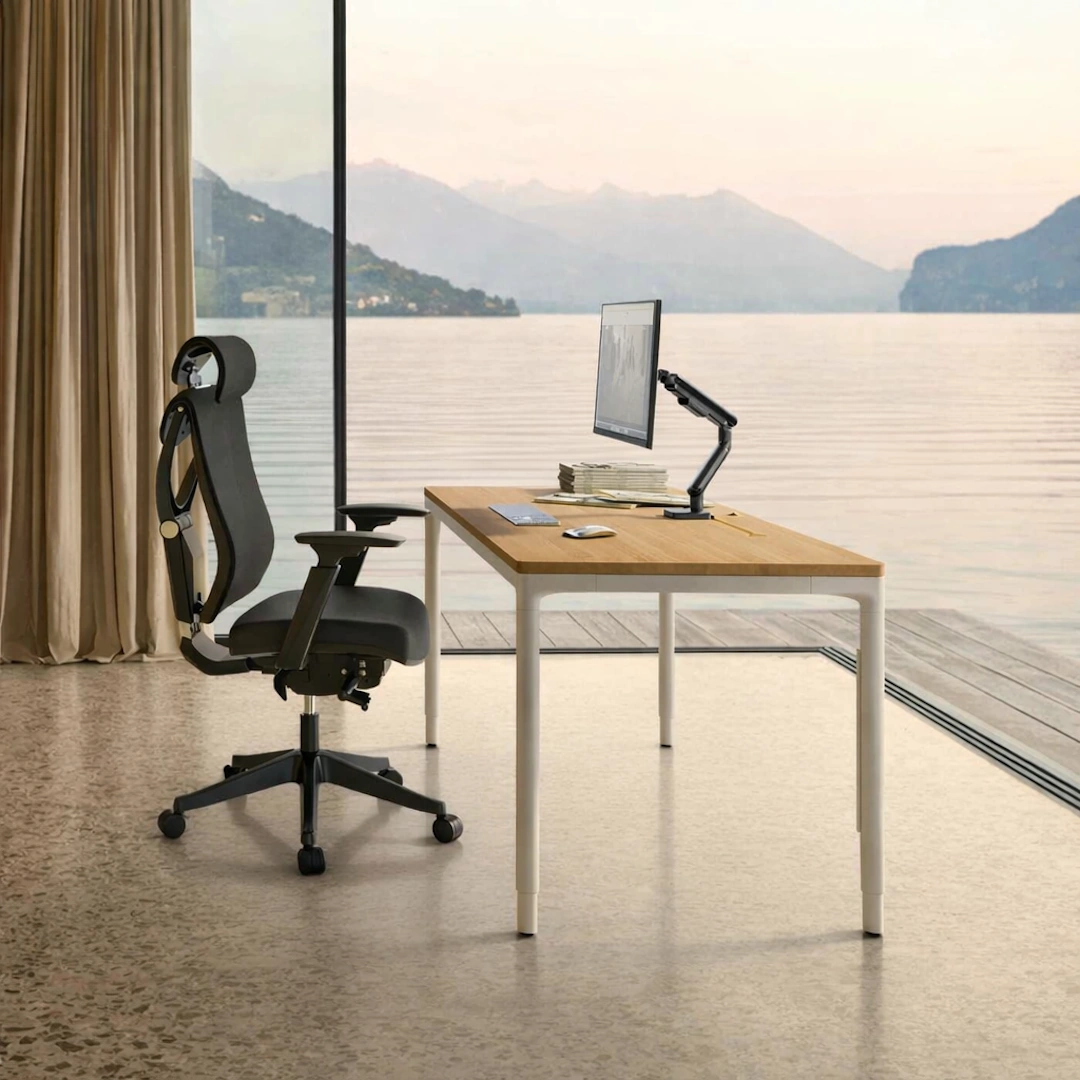
HomeMax Height-adjustable Desk
View full details: HomeMax Height-adjustable DeskThe HomeMax Desk blends minimalist design with precise engineering. Its four‑leg structure delivers exceptional stability, while the smooth height‑adjustment system supports effortless sitting‑to‑standing transitions. Create a workspace with balance and quiet confidence.
-
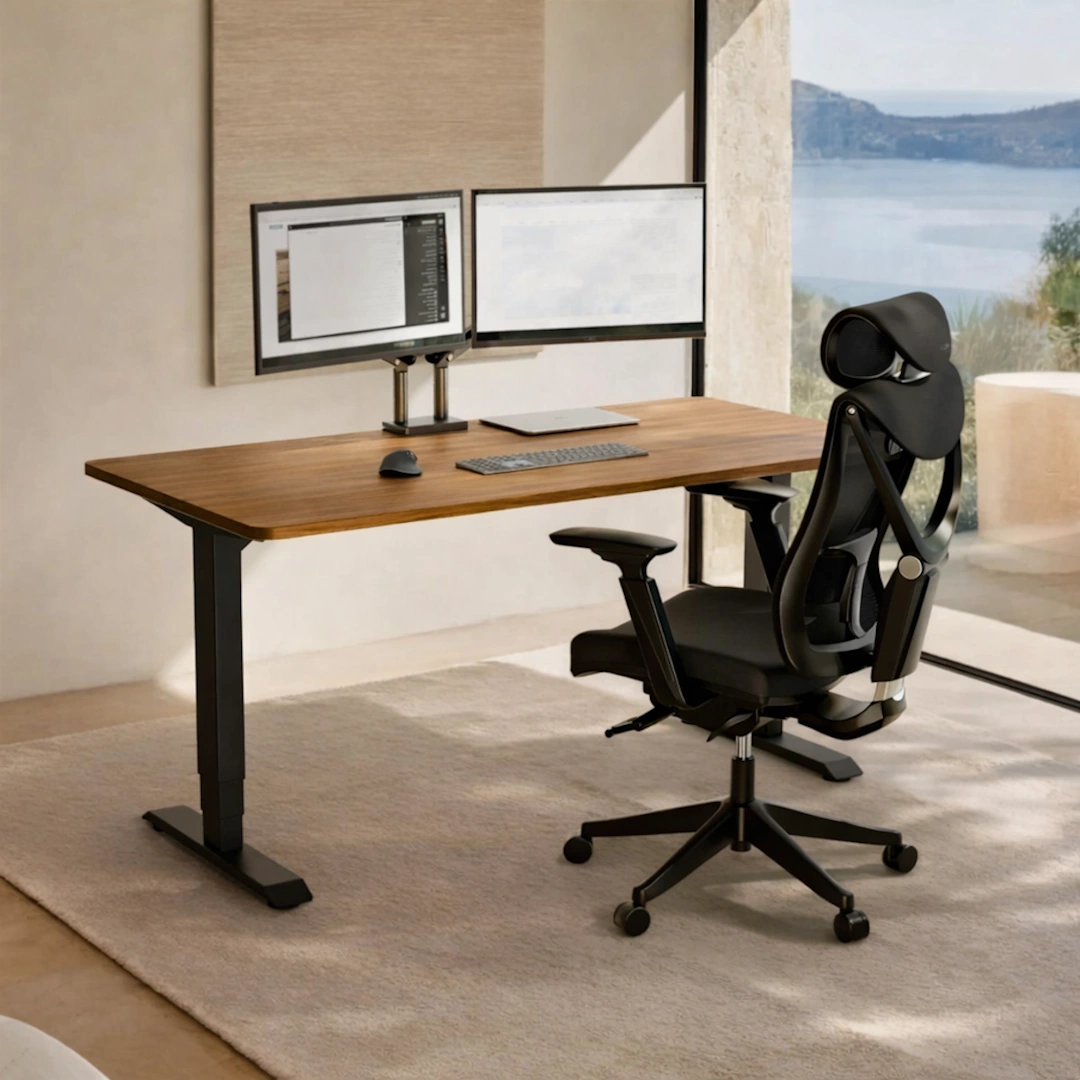
HomePro Height-adjustable Desk
View full details: HomePro Height-adjustable DeskThe HomePro Height‑Adjustable Desk is a dual‑motor workstation built for smooth, quiet transitions and everyday ergonomic comfort. With a reinforced steel frame, durable European tabletop, and intuitive touchscreen presets, it brings stability and ease to any modern home office.
-
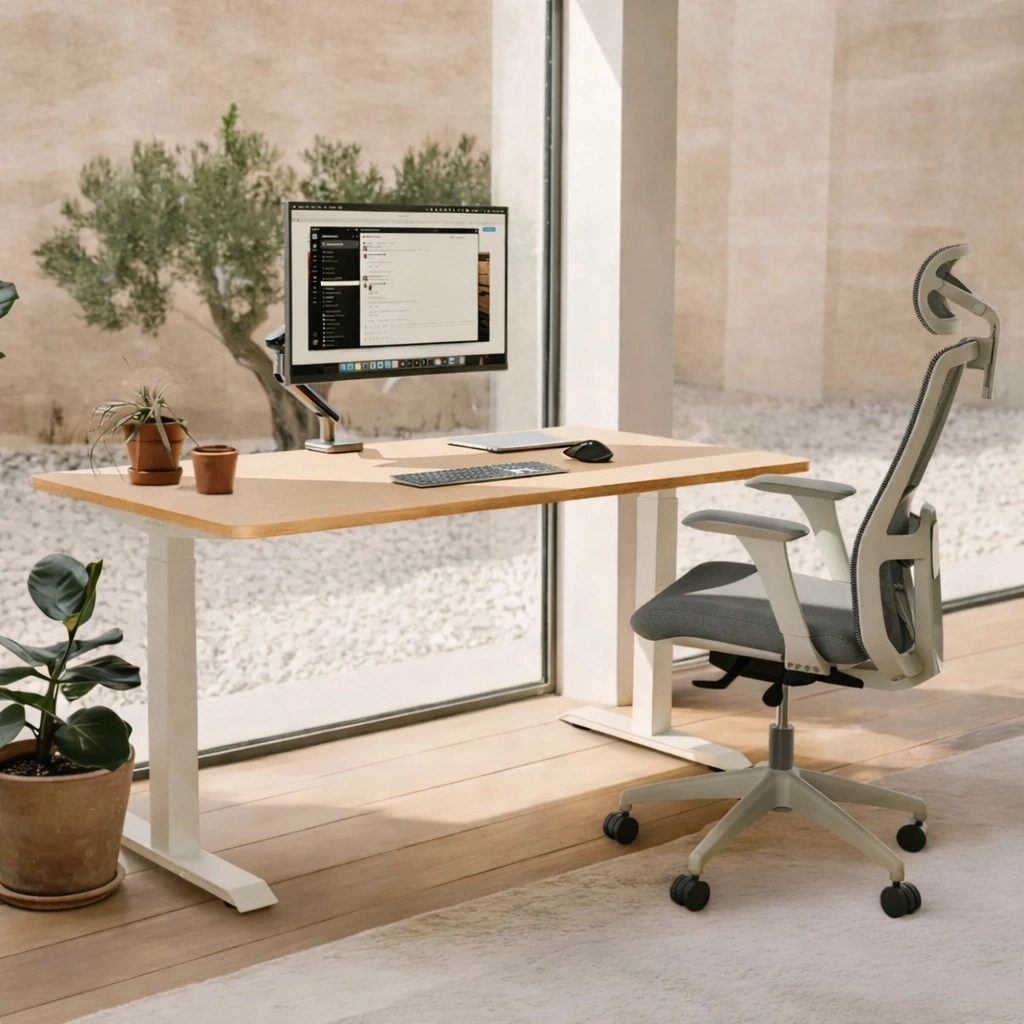
HomeOne Height-adjustable desk
View full details: HomeOne Height-adjustable deskThe HomeOne Height‑adjustable Desk delivers a premium, smooth, and quiet lift experience with its dual‑motor system and reinforced steel frame. A modern touchscreen controller, three height presets, and built‑in USB/USB‑C ports create a reliable workspace that adapts effortlessly to your day.