



Work Comfort & Ergonomics
A calm, supportive article for anyone who wants to feel better at their desk — without overwhelm
Work comfort isn’t about perfect posture or holding your body in one fixed position. It’s about creating a workspace that supports you, responds to your needs, and helps your body feel at ease throughout the day.
Small shifts in how you sit, move, and set up your space can reduce strain, ease tension, and make your workday feel more comfortable and productive.
What Comfort Really Means at Your Desk
Comfort isn’t a single moment — it’s a pattern.
Your body naturally cycles through focus, effort, and rest.
When your workspace supports those cycles, you experience:

- less pressure on your neck, shoulders, and lower back
- fewer moments of “resetting” your posture
- more ease in your breathing
- clearer focus and less fatigue
When comfort becomes part of your workspace rhythm, your body feels supported and your focus deepens naturally. It’s less about holding a perfect position — and more about letting your environment work with you.
Common Strain Patterns (What People Actually Feel)
Comfort is not about sitting perfectly.
It’s about feeling supported enough that your body doesn’t have to work harder than it needs to.
Most people experience the same handful of discomfort patterns:

- leaning forward to see the screen
- shoulders lifting or tightening
- lower back rounding
- legs tucking or crossing
- wrists drifting outward
- eyes straining or squinting
Your body isn’t doing anything wrong — it’s simply telling you what needs support.
Small Shifts That Make a Big Difference
Here are gentle adjustments that help your body settle naturally:

Support your lower back
A small cushion or rolled towel can help your spine feel supported, reducing the effort your muscles need to hold you upright.
Bring the screen to a comfortable distance
If you’re leaning in, bring the screen closer.
If you’re pulling back, give yourself more space.
Let your shoulders soften
Adjust your chair height or arm position until your shoulders feel relaxed rather than lifted.
Keep your feet grounded
Comfort comes from movement — small shifts that keep your body responsive and at ease.
Small changes in position help your body stay relaxed and responsive.
Shift often
Flat on the floor or supported by a footrest — this gives your body a stable base.
How Your Setup Shapes Your Body
Your workspace influences how your body feels more than you might expect:
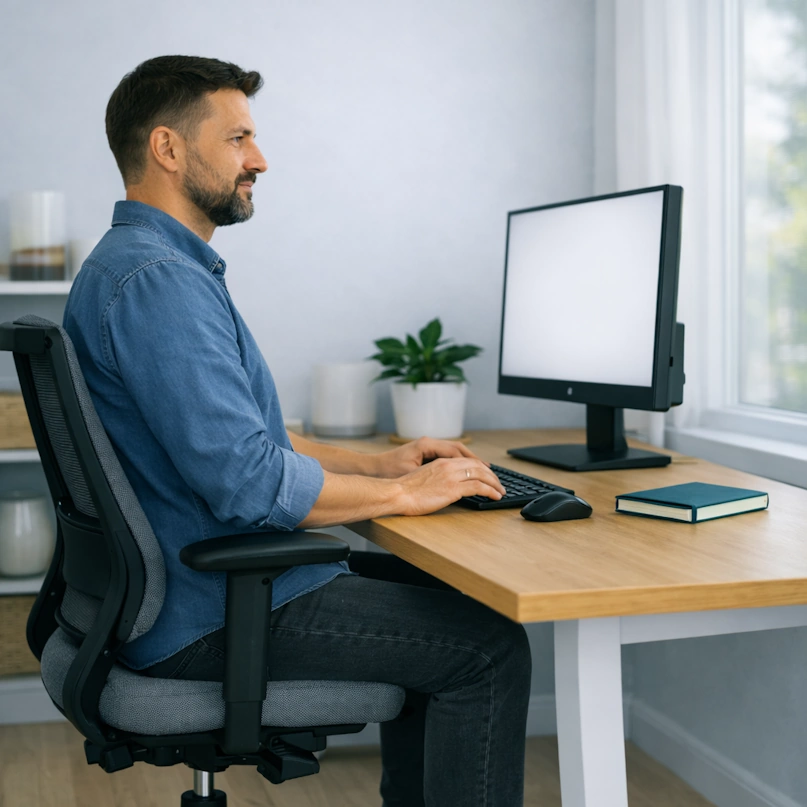
- Chair height affects shoulder tension
- Desk height affects wrist comfort
- Screen height affects neck alignment
- Lighting affects eye strain and posture
- Reach distance affects upper‑body effort
When these elements work together, your body feels quietly supported — not strained.
Each part of your setup begins to work in harmony: your chair encourages ease, your screen meets your gaze, and your desk allows your arms to rest naturally. The result isn’t just better posture — it’s a quiet balance, where your body feels held rather than managed, and comfort becomes something you notice only because everything feels right.
Early Signs Your Body Needs a Change
You may notice:

- subtle fidgeting
- shifting forward or backward
- rubbing your neck or shoulders
- adjusting your chair repeatedly
- eyes feeling tired or dry
These are gentle cues that your body is asking for support. Responding early helps comfort stay effortless and prevents tension from building up.
When to Explore More Support
If you’re noticing recurring tension or fatigue, it may help to explore:

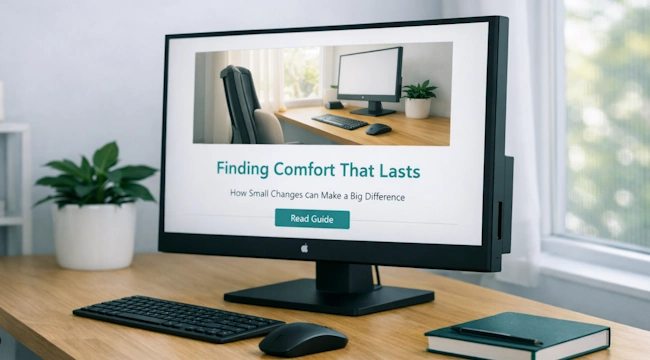
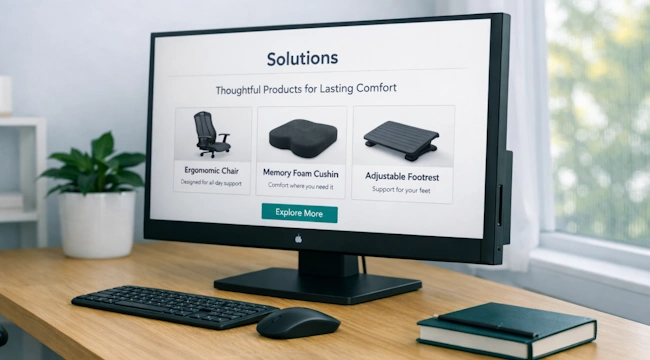


Explore comfort your way – through gentle guidance and supportive tools.
A calm space to explore what helps your body feel supported.

Explore More Insights
Read gentle insights and reflections to help you feel more at ease in your workspace.

Related Guides
Discover supportive guidance to help your body and workspace feel balanced.
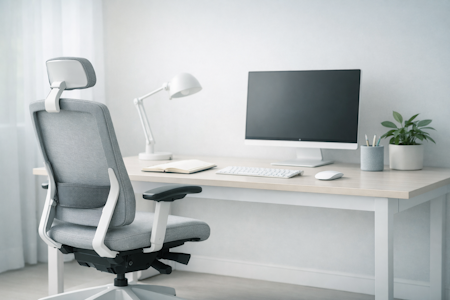
Supportive Solutions
Find ergonomic tools and thoughtful designs that bring comfort into your daily flow.