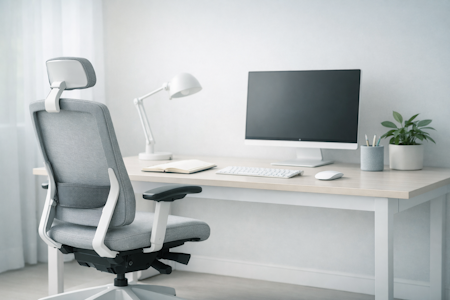


Why Your Office Layout Matters
A well‑planned office layout supports how you think, move, and work throughout the day. With a few simple adjustments, you can create a workspace that feels organised, balanced, and designed for focus. This guide explores practical ways to shape your environment so it improves comfort, wellbeing, and productivity.
Workora’s Take
Most people start planning an office layout by moving furniture, but real clarity comes from understanding how space influences focus and flow. When you design around how people think and move — not just where desks fit — the layout naturally supports comfort, collaboration, and calm productivity. Begin with purpose, and the design will follow.
How Layout Supports You Throughout the Day
Before you move furniture or change your setup, it helps to understand how your workspace naturally shapes your focus and flow. The way you move through your space — leaning in during deep work, stepping back to think, or shifting between zones — affects how productive and comfortable you feel. When you notice these patterns, it becomes easier to design a layout that supports your rhythm and energy throughout the day.
Click each box for more information
Your Space Adapts Naturally
Why It Matters
Small Adjustments Improve Flow
Why It Matters
Understanding What Shapes a Productive Office Layout
Once you understand how your workspace influences focus and movement, it becomes easier to design a layout that supports you naturally. These principles help you create an environment that feels balanced and efficient throughout the day — without overcomplicating design decisions.
Click each box for more information
Your Space Adapts to Your Work
Why It Matters
Clear Pathways Improve Flow
Why It Matters
Lighting Shapes Energy
Why It Matters
Ergonomic Furniture Supports Focus
Why It Matters
Zoning Reduces Distraction
Why It Matters
Small Adjustments Keep Balance
Why It Matters
Comfort Comes from Consistency
Why It Matters
Consistency Creates Calm
Why It Matters
Audit Your Space
Before you begin planning your office layout, take a moment to observe how your workspace currently feels and functions. Notice where clutter builds, which areas feel busy, and where movement becomes interrupted. A simple audit helps you understand what’s working — and what needs adjusting — so your layout supports focus and flow throughout the day.
Click each box for more information
Notice Natural Movement
Why It Matters
Identify Visual Distractions
Why It Matters
What to Look For in a Balanced Office Layout
A well‑balanced office layout supports focus, comfort, and collaboration. When each element — from desk placement to lighting — works together, your workspace feels calm and efficient. These principles help you recognise what a balanced environment looks and feels like before making any changes.
- Clear flow between zones — movement feels natural and unobstructed
- Balanced lighting — natural and artificial light complement each other
- Comfortable spacing — furniture placement allows easy movement and breathing room
- Visual harmony — consistent materials and colours create calm
- Defined zones — focus, collaboration, and rest areas are clearly separated
- Adaptable elements — desks, chairs, and lighting can adjust to different tasks
How to Know It’s Right for You
- Your workspace feels calm and purposeful.
- Movement between zones feels effortless.
- Lighting feels balanced throughout the day.
- You can focus without noticing the layout — it simply works.
- You feel comfortable and clear‑headed after a few minutes, not just at first glance.
A balanced layout helps you think more clearly and feel more at ease throughout the day.
Closing Reflection
A well‑planned office layout doesn’t require a full redesign — just thoughtful adjustments that support how you think, move, and work. When your space feels balanced, your day feels lighter, clearer, and more productive.
It’s the quiet confidence of knowing your environment is working with you — helping you think more clearly, move more freely, and feel more at ease throughout the day.
Quick Checklist
- Assess your space flow
- Balance lighting and materials
- Define zones for focus and collaboration
- Keep pathways clear
- Adjust small details regularly
Before you start rearranging your workspace, here are the questions people often ask at this stage.
Before you start rearranging your workspace, here are the questions people often ask at this stage.
Aim for at least 90–100 cm between desks or pathways. This allows people to move comfortably without interrupting others, keeping the space open and balanced.
Place collaborative areas near natural light or open spaces to encourage energy and conversation. Keep focus zones slightly separated or shielded by storage or partitions to reduce noise and visual distraction.
Use natural light as your main source whenever possible.
Supplement it with warm, diffused artificial lighting to maintain comfort and consistency throughout the day — especially in areas away from windows.
Hidden storage helps maintain visual calm and reduces clutter.
Visible storage can work if it’s organised and styled consistently — think neutral tones, clean lines, and matching materials.
Keep surfaces clear and use a few meaningful objects — plants, books, or artwork — to express character.
Balance personality with simplicity: every item should add value or calm, not distraction.
Use multi‑purpose furniture and keep pathways open. Avoid blocking sightlines — when you can see across the room easily, the space feels larger and more connected.


Sources
- Health and Safety Executive (HSE) — Display Screen Equipment (DSE) regulations and best‑practice recommendations for seated work. (View resource)
- National Institute for Occupational Safety and Health (NIOSH) — research on musculoskeletal strain, seated posture, and workplace ergonomics. (View resource)
- Chartered Institute of Ergonomics & Human Factors — using standards to create ergonomic workstations to promote comfort, health & productivity. (View resource)
- Workplace health organisations — insights into how chair design influences comfort, fatigue, and long‑term wellbeing. (View resource)
Bring This Guidance Into Your Workspace
These chairs reflect the support and posture principles explored in this guide.
-
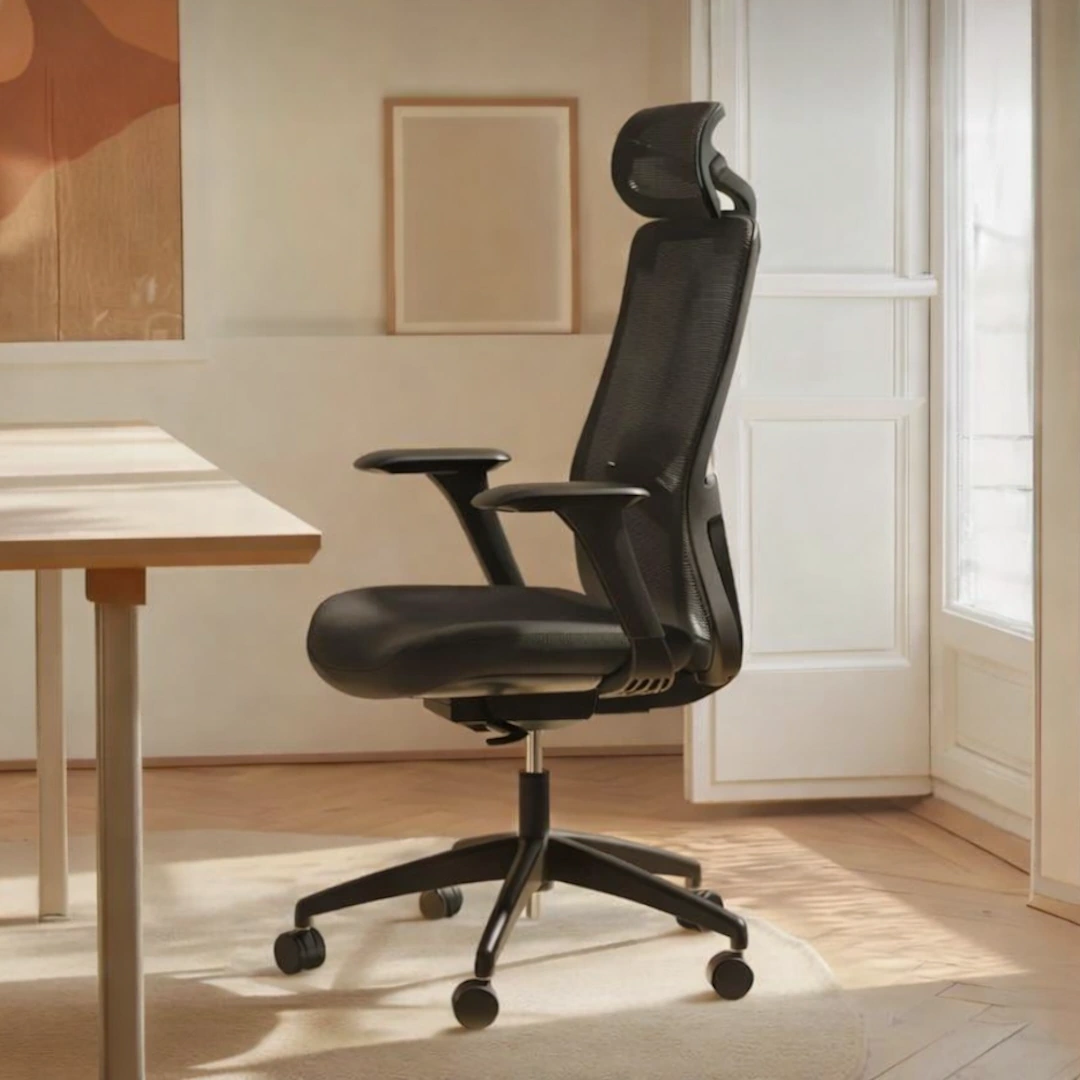
SitOne Ergonomic Office Chair
View full details: SitOne Ergonomic Office ChairThe SitOne ergonomic chair supports your body through a thoughtful set of adjustable features — from seat‑depth refinement to 4D armrests that move with your natural posture. Its lumbar support and premium build are designed to reduce strain and maintain alignment for all day comfort.
-
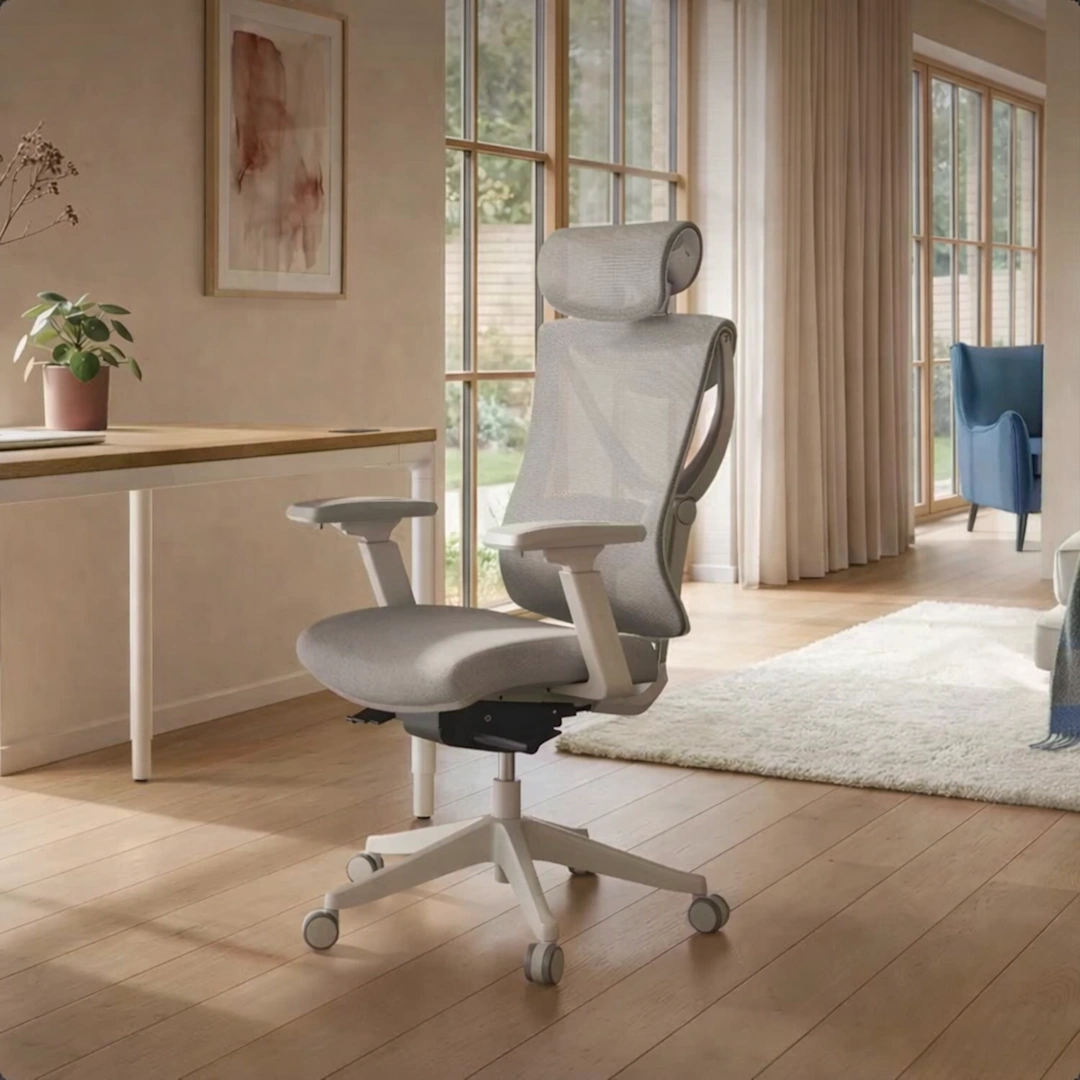
SitPro Ergonomic Office Chair
View full details: SitPro Ergonomic Office ChairThe SitPro ergonomic chair adapts quietly to your body through nine points of adjustment — from the height‑balanced backrest to the 3D armrests that follow your natural posture. Each element is designed to support alignment and ease through long hours of seated work.